Top 5 Keyboards for CS2: Pro Picks and the Perfect Balance

Top 5 Keyboards for CS2: Pro Picks and the Perfect Balance
In Counter-Strike 2, every movement is critical. There's no room for hesitation, and winning fractions of a second can decide the outcome of a round. In that sense, a gaming keyboard isn’t just an accessory — it’s a weapon. From switch responsiveness and actuation speed to the keyboard’s ergonomics, every detail matters. It’s no surprise that more and more players are asking which keyboard is best for CS2. What do the pros choose? What suits a beginner, and which one is ideal for a seasoned shooter?
In this guide, you'll find the top 5 CS2 keyboards for 2025, tested through bootcamps, matchmaking, and tournament conditions. We’ve selected only those models that genuinely impact performance — not just flashy RGB eye-candy for streams.
How We Picked the Keyboards, HyperX Alloy Origins, HyperX Alloy Origins Core, HyperX Alloy FPS RGB, Logitech G915 TKL, Razer Huntsman V2 TKL, Which Keyboard Should You Choose for CS2?, Frequently Asked Questions
How We Picked the Keyboards
We didn’t just scrape random forum reviews. Every CS2 keyboard on this list meets the following criteria:
Popularity among the CS2 community and professional scene
Switch type and speed (linear, tactile, optical)
Ergonomics and form factor (full-size, TKL, ultra-compact)
Real user feedback and performance at LAN tournaments
Software support and customization for lighting/macros
HyperX Alloy Origins
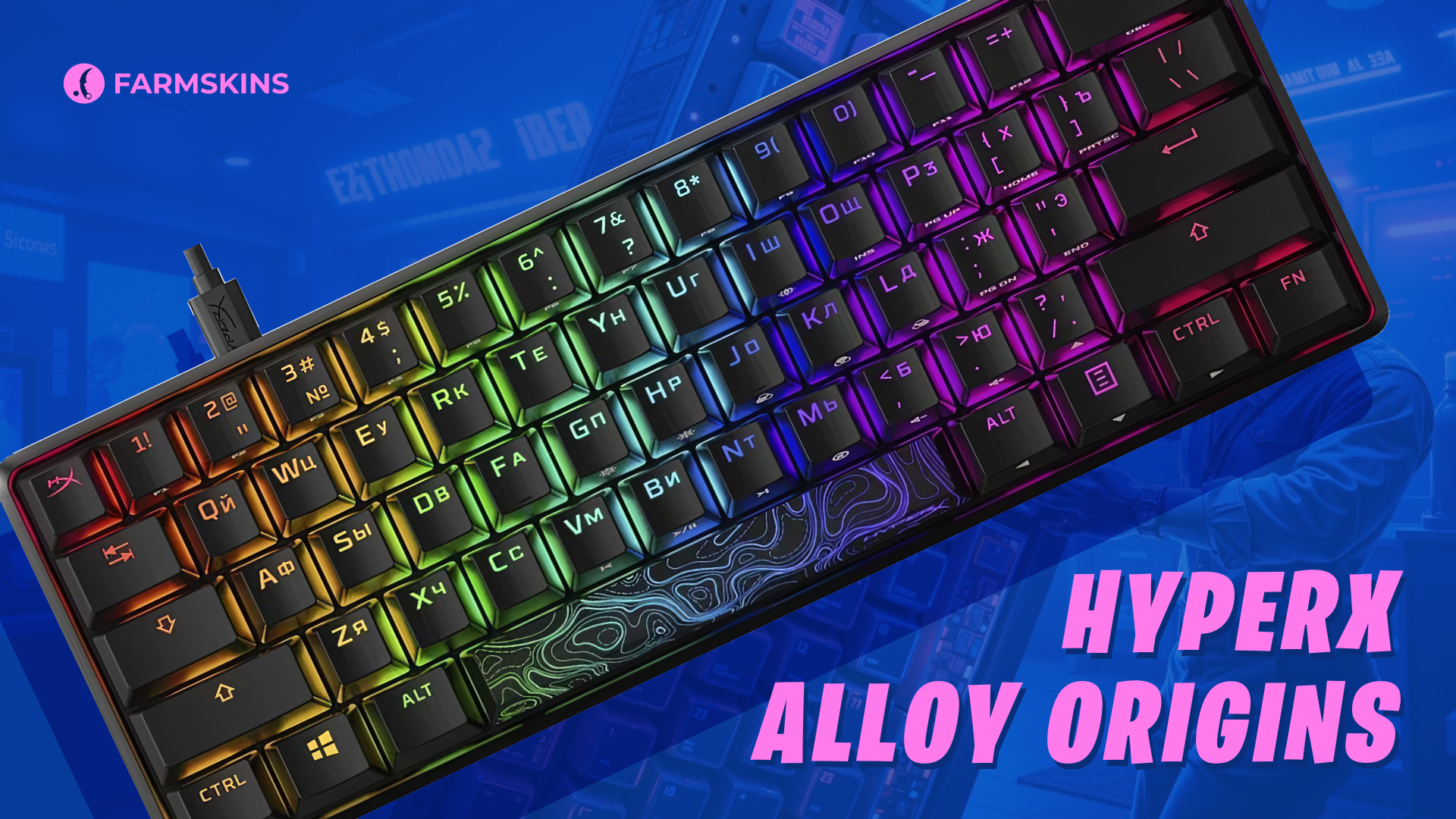
One of the most popular choices among CS2 fans and rising esports players. Commonly used by academy teams like NAVI Junior.
Type: Mechanical
Switches: HyperX Red (Linear, 45g)
Connection: USB-C
Build: Aircraft-grade aluminum
Lighting: RGB (customizable via NGENUITY)
Pros:
Extremely durable chassis
Fast and quiet switches
Excellent RGB backlighting
Cons:
No wireless mode
No macro support
Verdict:
Top value for the price. Favored by both new and semi-pro players. Great balance between weight, cost, and responsiveness.
HyperX Alloy Origins Core
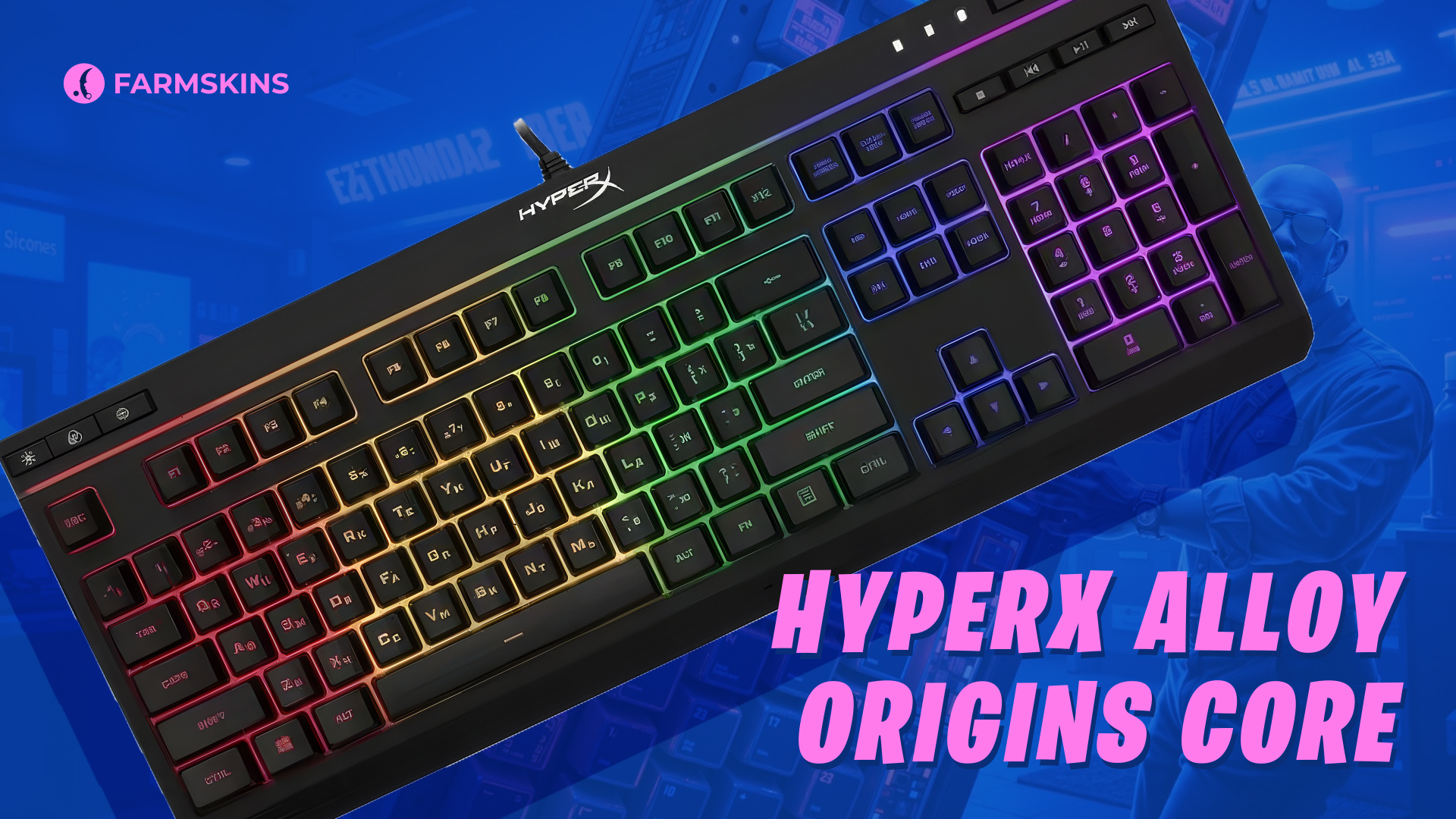
The TKL form factor (no numpad) makes this a favorite for players with small desks or wide mouse movements.
Switches: HyperX Red / Blue / Aqua
Build: Aluminum frame
Connection: USB-C
Lighting: RGB with zone control
Pros:
Ideal for FPS due to compact size
Great stabilizers
Sturdy construction
Cons:
No Bluetooth
No wrist rest included
Verdict:
Perfect for players who prioritize mouse space. A no-nonsense choice that delivers where it matters.
HyperX Alloy FPS RGB
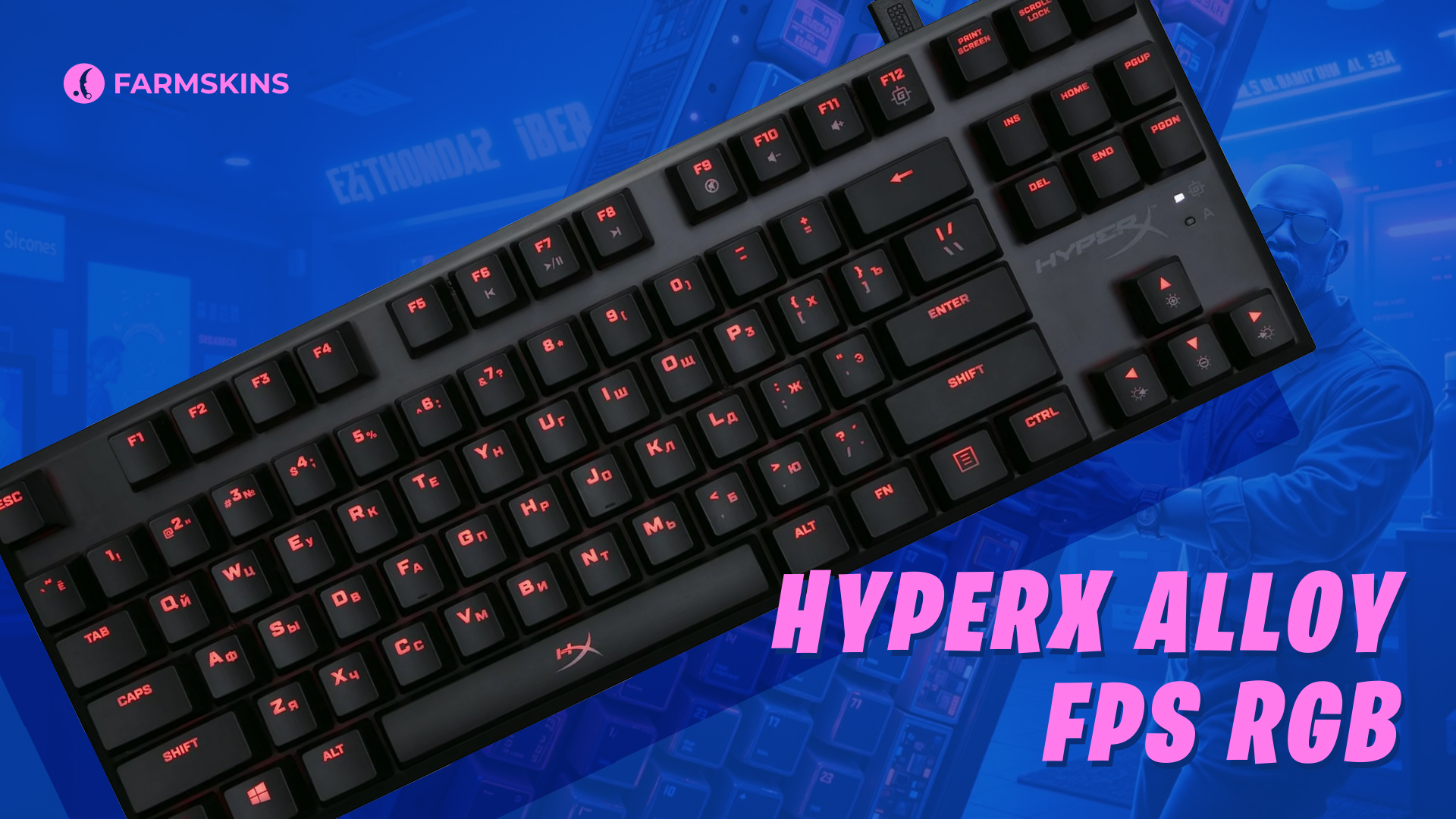
Equipped with Kailh Silver Speed switches — among the fastest on the market. A bootcamp and LAN favorite. Not the lightest, but reliable and consistent.
Type: Mechanical, full-size
Switches: Kailh Silver (Linear)
Connection: USB + USB passthrough
Lighting: Dynamic RGB
Pros:
Lightning-fast response
Solid build quality
Convenient USB passthrough
Cons:
Takes up a lot of space
Slightly noisy
Verdict:
If maximum actuation speed is key and you’ve got the desk space — it’s a great pick of keyboard in CS2.
Logitech G915 TKL
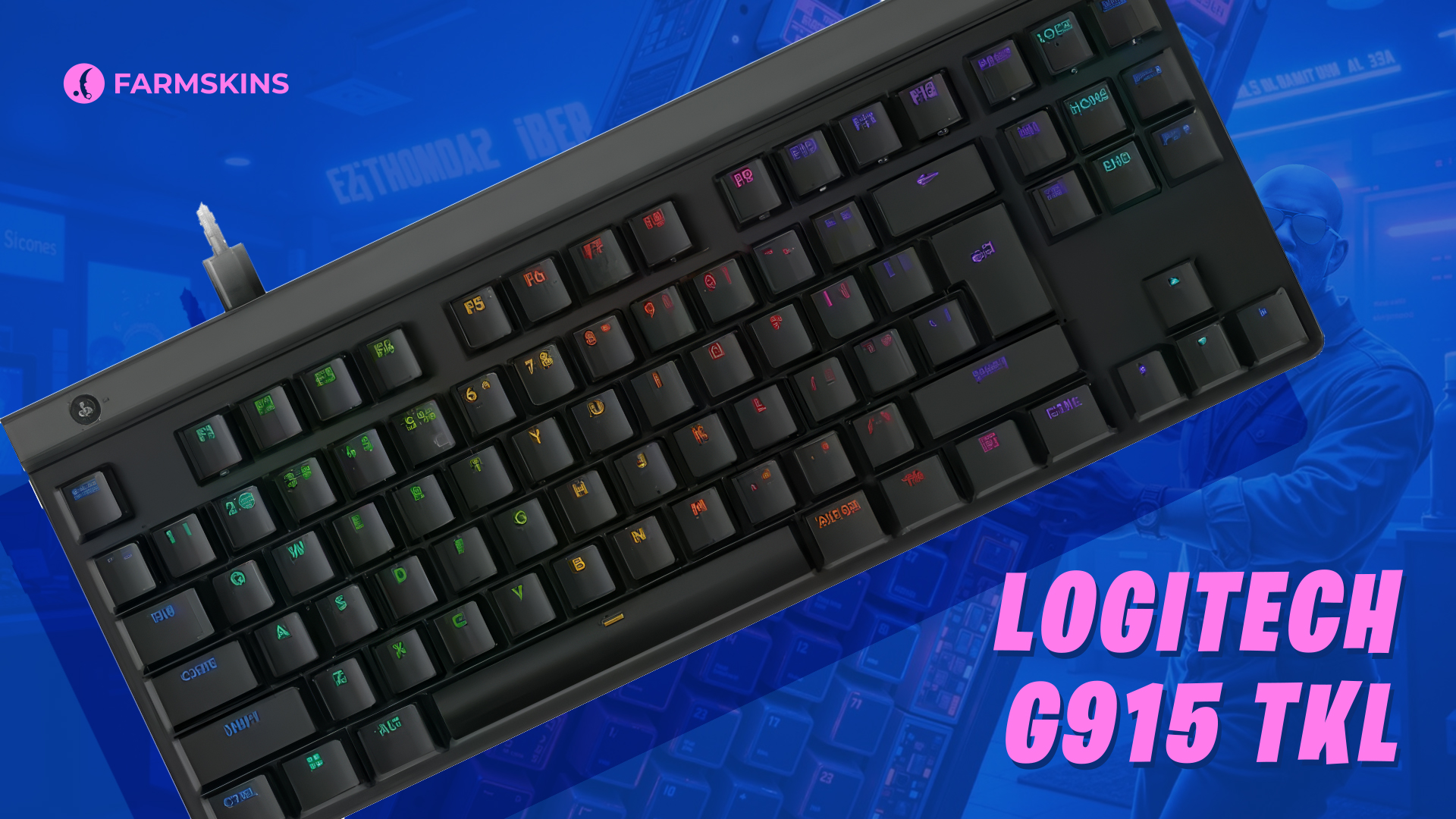
Used by s1mple — which already speaks volumes. Low-profile switches and LIGHTSPEED wireless tech give you wired-level responsiveness with total movement freedom.
Type: Mechanical
Switches: GL Tactile (Low-profile)
Connection: LIGHTSPEED + Bluetooth
Battery life: Up to 40 hours
Lighting: RGB via G HUB
Pros:
Lag-free wireless performance
Lightweight and compact
Full software support through G HUB
Cons:
Expensive
Low-profile keys take time to get used to
Verdict:
A premium choice for serious players. Suitable for both pro-level gameplay and daily productivity.
Razer Huntsman V2 TKL
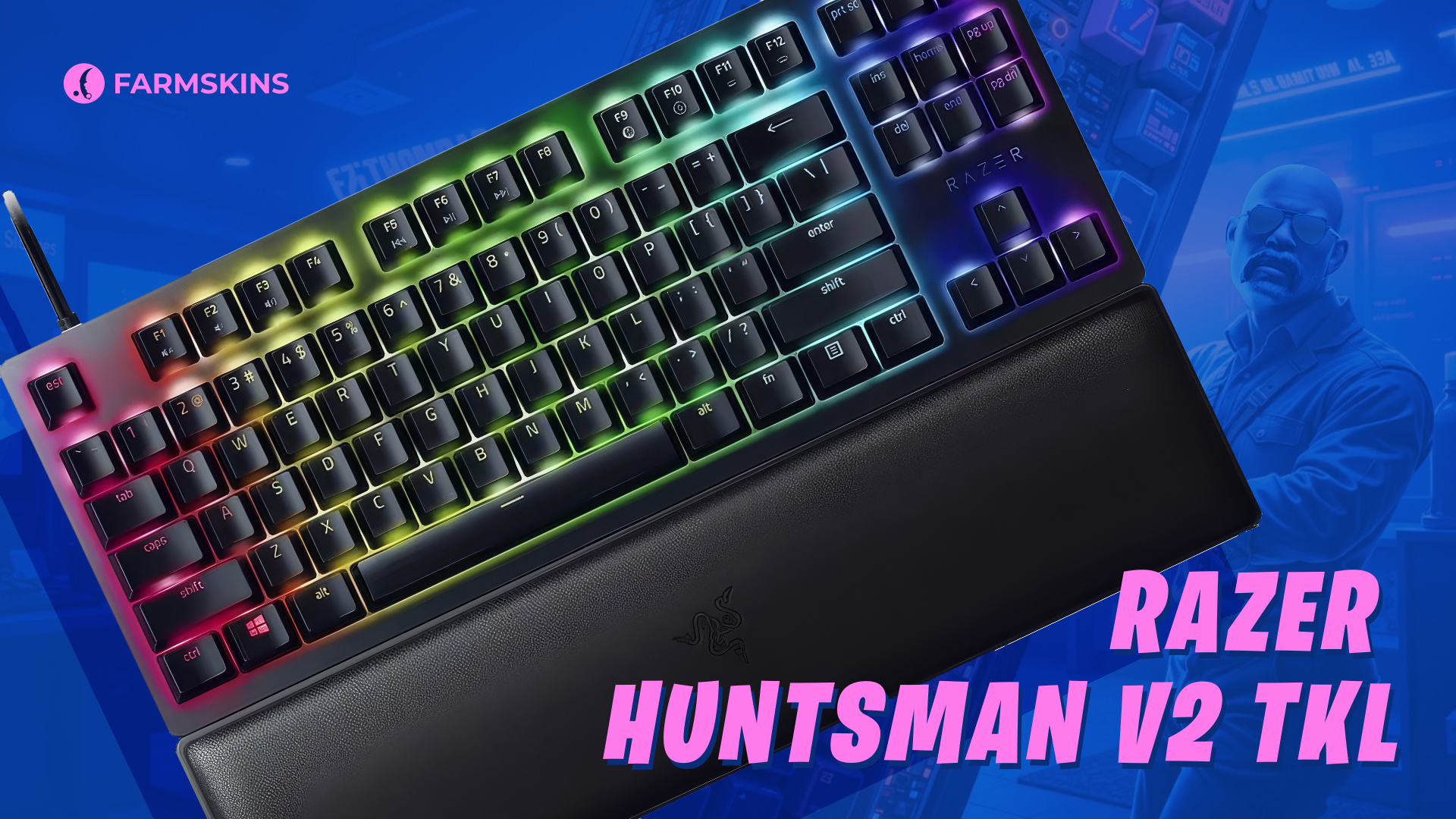
Razer’s 2nd-gen optical switches deliver near-zero latency. One of the fastest keyboards on the market — but not for everyone.
Form factor: TKL
Switches: Razer Linear Optical Gen2
Connection: USB
Lighting: Razer Chroma RGB
Extras: Wrist rest included
Pros:
Instant actuation
Very quiet
Comes with a comfy wrist rest
Cons:
Wired only
Too soft for those who prefer a clicky feel
Verdict:
Great for players who want it all. Especially ideal if you're already using other Razer peripherals.
Which Keyboard Should You Choose for CS2?
If you're just starting out in CS2 — go with the HyperX Alloy Origins.
If you want something light and compact — choose the Origins Core or Huntsman V2 TKL.
If you value wireless freedom — the Logitech G915 TKL is unmatched.
And if you already know the value of every millisecond — go for the HyperX FPS RGB or Razer’s optical switches.
Frequently Asked Questions
What are the best CS2 keyboards for CS2?
HyperX Alloy Origins, Logitech G915 TKL, SteelSeries Apex Pro TKL, Wooting 60HE, Razer Huntsman V2 TKL.
What switch type is best for CS2?
Linear (Red, Silver) or optical — offering minimal latency and consistent click feedback.
Which keyboards in CS2 do pro players use?
s1mple — Logitech G915 TKL
m0NESY — Wooting 60HE
dev1ce — SteelSeries Apex Pro TKL


