Smoke Grenades in CS2: How to Use Smokes in Counter-Strike 2

Smoke Grenades in CS2: How to Use Smokes in Counter-Strike 2
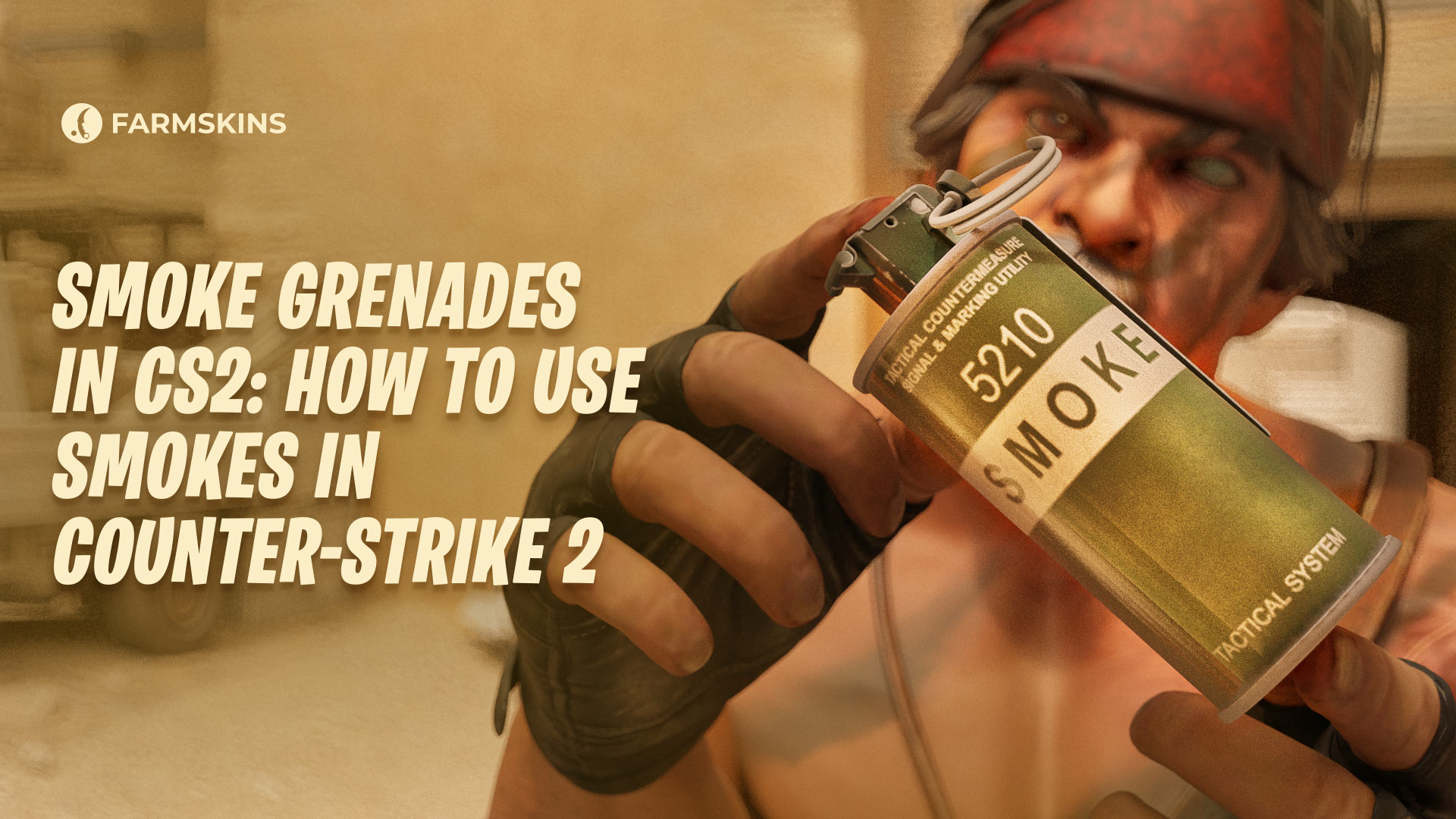
Smoke grenades in Counter-Strike 2 are a key tactical element, used in both offense and defense to limit visibility and create diversions. When a cs2 smoke grenades detonates, it releases a dense cloud that obscures vision, which is especially useful for blocking key sightlines and enabling safer rotations. Mastering the smoke grenade cs2 mechanics is essential for players who want to gain an edge in competitive matches.
In defensive situations, cs2 smoke grenades can be used to slow enemy advances, reposition safely, or even set up a ninja defuse under cover. Smokes are also crucial for map control, often determining which team holds the advantage. Among all counter strike smoke tactics, delaying rushes and isolating fights with grenades remains one of the most effective strategies at all skill levels.
For attackers, the smoke grenade cs2 is critical for cutting off sniper angles, enabling bombsite entries, and faking pushes. Timing and placement of cs2 smoke grenades can mean the difference between winning or losing a round. Understanding the dynamics of counter strike smoke usage allows players to coordinate better and exploit weak points in enemy setups.
Let’s explore the mechanics, benefits, drawbacks, and tactics of using smoke grenade cs2 tools in CS2 — a core part of the evolving counter strike smoke meta that separates experienced players from beginners.
"1. Smoke Grenades in CS2: How to Use Smokes in Counter-Strike 2","1.1. Technical Specifications of the Smoke Grenade in CS2","1.2. How the Smoke Grenade Works in CS2","1.3. Special Features and Counterplay with Smokes","1.4. Pros and Cons of Smoke Grenades","1.5. Tactical Combinations with Smoke","1.6. Counter-Tactics and Neutralizing Smokes"
Technical Specifications of the Smoke Grenade in CS2
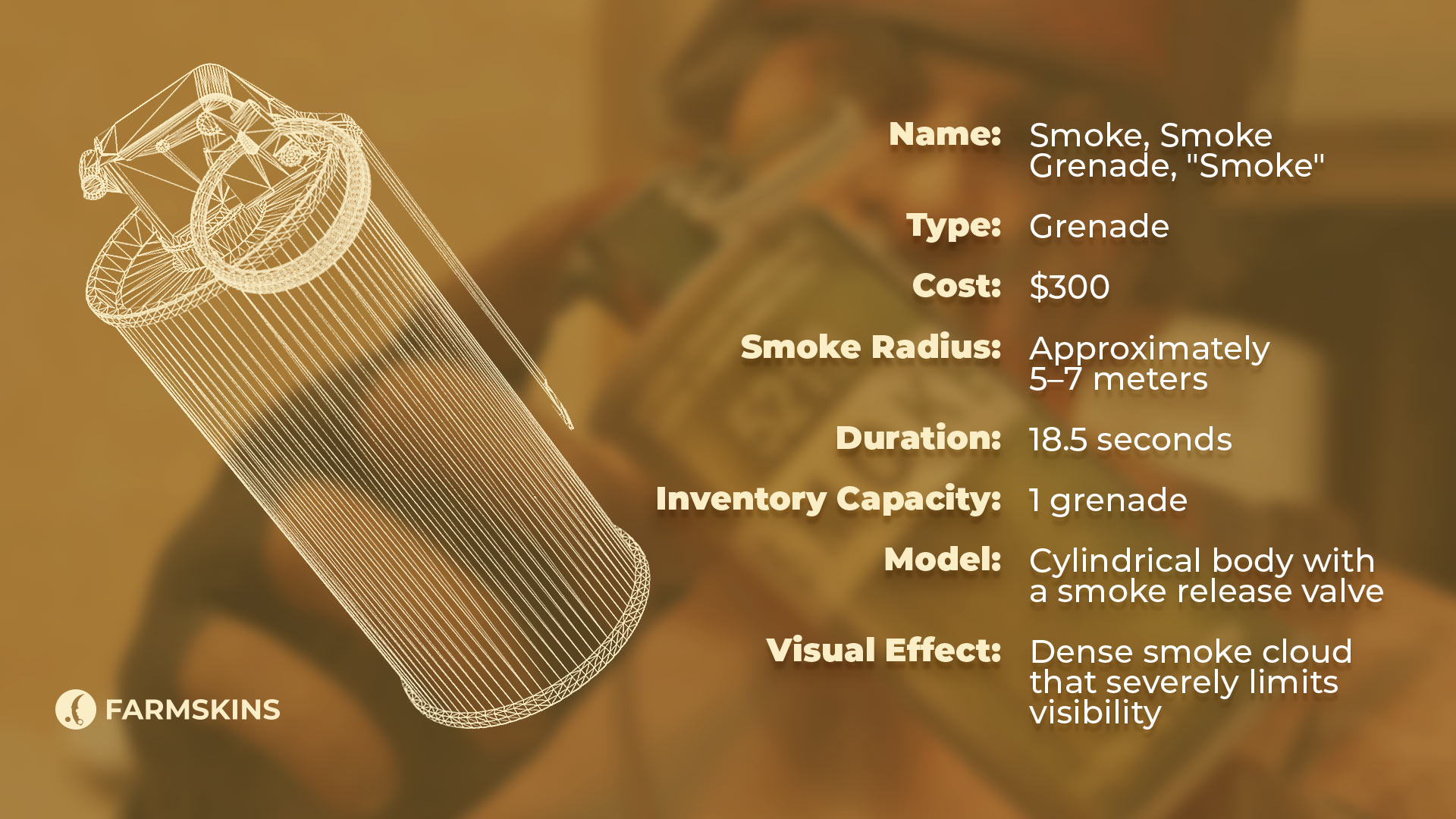
- Name: Smoke, Smoke Grenade, "Smoke"
-
Type: Grenade
-
Cost: $300
-
Smoke Radius: Approximately 5–7 meters
-
Duration: 18.5 seconds
-
Inventory Capacity: 1 grenade
-
Model: Cylindrical body with a smoke release valve
-
Visual Effect: Dense smoke cloud that severely limits visibility
How the Smoke Grenade Works in CS2
Once thrown, a smoke grenade will only detonate after hitting the ground and may bounce a few times before releasing a dense cloud that limits visibility within a 5–7 meter radius.
The smoke effect lasts about 18 seconds, obstructing the view of anyone inside or outside the smoke cloud. Players within the smoke have to rely on sound and vague outlines, making them vulnerable.
The most popular map in Counter-Strike throughout history
Special Features and Counterplay with Smokes
One unique feature of smoke grenades in CS2 is their interaction with bullets and grenades. Bullet holes will briefly open up visibility in the smoke, although these close up almost immediately. Frag grenades, however, can temporarily dissipate smoke clouds, which then re-form shortly after the blast.
Pros and Cons of Smoke Grenades
Pros:
-
Retaking key areas: Smokes provide cover when retaking crucial map positions.
-
Feint tactics: Smoke clouds in unexpected places can create distractions for the enemy.
-
Limiting sightlines: Smokes block sniper views and shooting lanes, granting safer passage.
-
Protection during plant or defuse: Smokes can conceal players who are planting or defusing.
Cons:
-
Reduced visibility for teammates: Smoke can complicate your own team's view of the battlefield.
-
Predictability: Opponents may deduce where you threw the smoke based on trajectory.
-
Limited to one smoke per player: Running out of smokes can limit tactical options.
-
Risk of a misplaced throw: A poorly thrown smoke might unintentionally create a one-way (van-way) view for the enemy.
Tactical Combinations with Smoke
Mastering smoke grenades in CS2 can give your team a significant edge in battle. Smokes work particularly well with flashbangs and frag CS2 grenades. By covering a position with smoke, players can safely move in closer and follow up with a flashbang or frag to disorient or eliminate enemies.
Smoke grenades can also extinguish Molotovs, providing safe access to plants or rescuing teammates from dangerous situations. Combining various grenades in CS2 can maximize tactical advantages, allowing teams to control space and disrupt enemy movement.
Why Hostage Maps Aren't Played on the Professional CS2 Scene
Counter-Tactics and Neutralizing Smokes
Experienced players can anticipate where a cs2 smoke grenades might land and even block it to create favorable positions. On maps with tight corridors, like Ancient, players may block incoming smoke grenade cs2 throws to control an area with a surprising one-way view. This level of precision is common among those deeply familiar with counter strike smoke mechanics and positioning.
In CS2, a common counter-tactic involves using frag grenades to temporarily clear cs2 smoke grenades, allowing for quick visibility and eliminating hidden enemies. This move is especially effective when used in combination with aggressive pushes or retakes. Understanding smoke grenade cs2 timings is essential for exploiting these advantages, helping players outmaneuver opponents by capitalizing on every second of obscured vision. In high-level play, mastery over counter strike smoke behavior can define the outcome of a round.
CS2 smoke grenades in Counter-Strike 2 are versatile tools that, when used correctly, allow for concealed movements, restricted enemy visibility, and strategic distractions. However, effective usage of any smoke grenade cs2 requires careful timing and an awareness of how they interact with sound cues, utility pressure, and map layout. In the ever-evolving counter strike smoke meta, the smallest decision can lead to a major tactical advantage.
.jpg)
.jpg)
.jpg)
.jpg)
.jpg)
.jpg)
.jpg)
.jpg)

.jpg)
.jpg)
.jpg)
.jpg)


.jpg)
.jpg)
.jpg)
.jpg)
