New CS2 Update: Anti-Cheat, Patrol, and Left-Hand Mode

New CS2 Update: Anti-Cheat, Patrol, and Left-Hand Mode
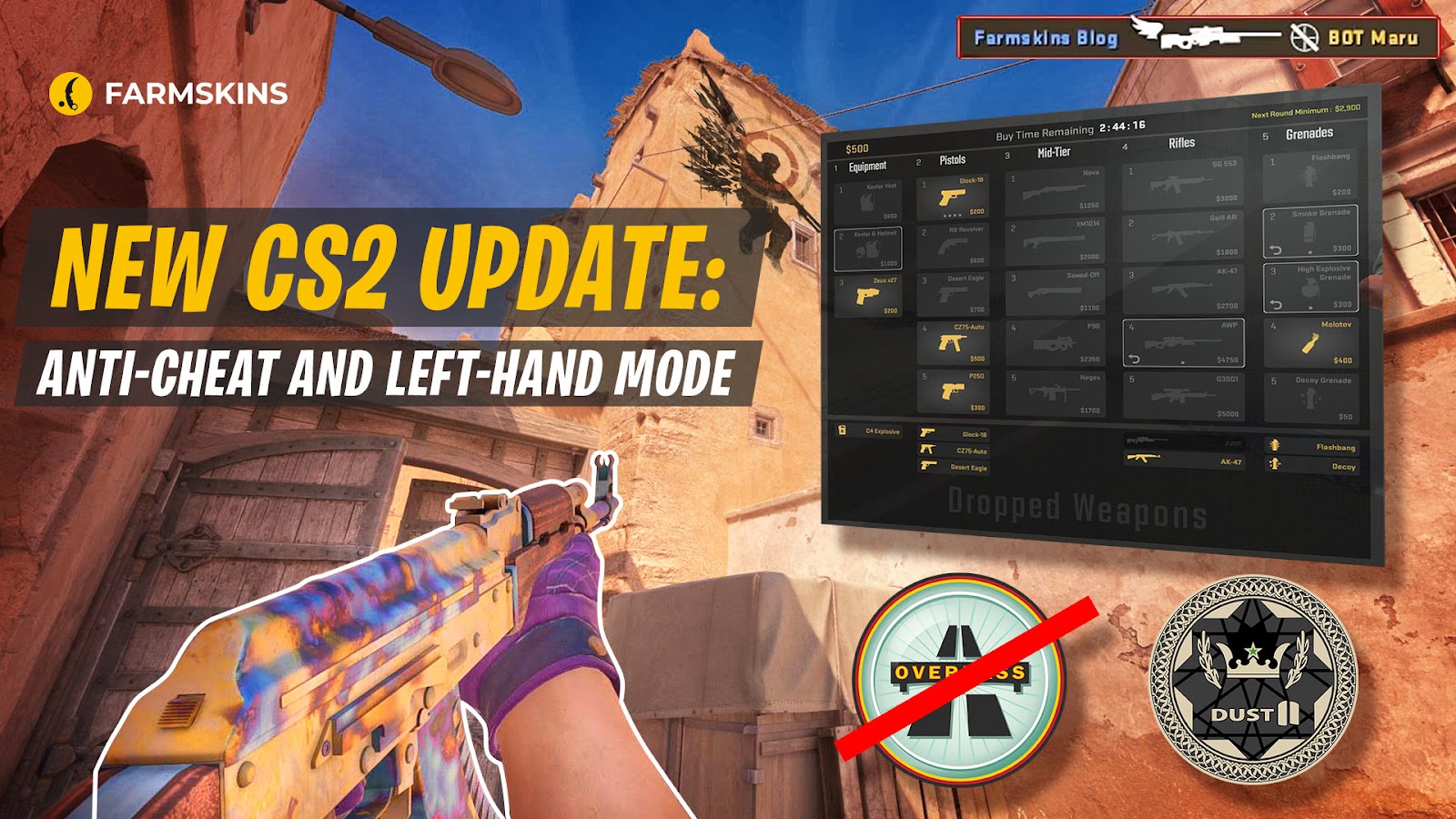
April 25th marked the release of a much-anticipated update to Counter-Strike 2, highlighting the developers' commitment to listening to feedback and actively shaping the game.
Some features are carryovers from CS:GO, not yet implemented in CS2, alongside many intriguing new additions.
Anti-Cheat VAC and VACnet in CS2
First and foremost, we have the awaited update to the VACnet Counter Strike anti-cheat system, map changes, and a significant number of Quality of Life settings.
Of course, the most crucial aspect, eagerly awaited by all, is the VAC and VACnet anti-cheat update, introducing the new patrol system, known as Overwatch.
It appears that all the minor demo-related changes in previous updates were intended to ensure a smooth experience for users who want to review cases in patrol without bugs or issues. The Overwatch tab will become a mainstay in the primary menu.
According to the developers, only verified players will be allowed to review patrol cases, likely requiring a certain threshold of wins, rank, or overall behavior. For instance, in CSGO, this was set at 150 wins.
As a volunteer, you will download and review replays from official Valve servers to identify suspicious behavior.Once the replay ends, you'll deliver a verdict on the player you observed.
The verdict options include:
- Aimbot
- Grief
- Wallhack
- Speedhack
Each category provides three response options: convict, dismiss, and inconclusive.
For those not in the loop, Overwatch and VACnet are closely interlinked. Based on a multitude of human verdicts, the developers of Counter-Strike train and update the artificial intelligence-based anti-cheat system. Beyond patrol, VACnet introduces an intriguing feature: real-time unusual behavior detection. This system will now automatically halt a match if suspicious activity is detected, imposing a temporary matchmaking ban on the suspect player's teammates.
This prevents instant bans, while ensuring gameplay does not proceed until another individual reviews the demo in patrol.
Left-Hand Mode in CS2
Much anticipated, you can now switch from right-hand to left hand viewmodel CS2. With the introduction of first-person shadows and foot display in CS2, there was a discrepancy, but developers have decided it's not significant. Now, although it appears you're holding weapons in the left hand from your perspective, enemies and the game environment respond as if it's in the right.
This feature is included as a separate setting, allowing players to bind a key for instant hand-switching. Importantly, every player's hand preference is now visible individually on the server.
New Grenade Throw in CS2
Holding a mouse button while throwing a grenade now brings up almost a sniper-like sight after a short delay, allowing you to finely tune your throw's trajectory down to nearly pixel-perfect precision. Activation time and feature settings are customizable for each type of grenade.
Radar Settings in CS2
You can also adjust the map zoom with a button press and change the radar size in settings.
New Buy Menu in CS2
During the round's start, when monitoring teammate activities is crucial, a new panel in the buy menu displays all weapons within the buy zone's radius. No need to ask teammates to pass or pick up weapons for you; simply press a button, and the item will appear in your hands.
Also, in the top right corner, the minimum amount of money that you will have at the beginning of the next round is displayed, assuming you don't kill anyone, plant, or defuse. Essentially, it’s a hint that helps you decide whether to buy now or save for an eco.
Visual Changes in CS2
Among the visual changes is the tab menu display when pressing the Escape button, allowing you to keep track of the score while you're adjusting settings or interacting with friends.
There's a slight modification to the weapon sway - it used to look like you were riding a horse, but now it appears more like you're running normally.
An icon has been added to the kill feed for kills while in the air, to further tilt your opponents.
A small robot icon now represents bots in the tab menu.
Gameplay Changes in CS2
Gameplay CS2 changes include decreasing or increasing the reward for kills with the Zeus, CZ-75, or XM1014.
A very questionable decision has been made to replace Overpass with Dust 2 in the premiere, and interestingly enough, in the tournament map pool, meaning instead of adding Train, they've decided to experiment again with the unforgettable classic.
Inferno has finally been updated, addressing the liminality that many players complained about. Overall, there are quite a few changes, but the most significant include the removal of arches, buildings, and their roofs from mid and banana.
Plus, there are minor fixes and performance improvements on other maps.
Custom Lobby in CS2
A critically important and much-desired feature is the ability to launch a custom lobby with friends on any official maps or from the workshop, which will finally allow for proper testing without the need to host your own server.
Discounts on Capsules in CS2
The developers have also introduced a 75% discount on the sticker capsule from the major, which has, of course, had a significant impact on the prices of those stickers.


