Why You Shouldn’t Change Your CS2 Settings After Every Bad Game

Why You Shouldn’t Change Your CS2 Settings After Every Bad Game
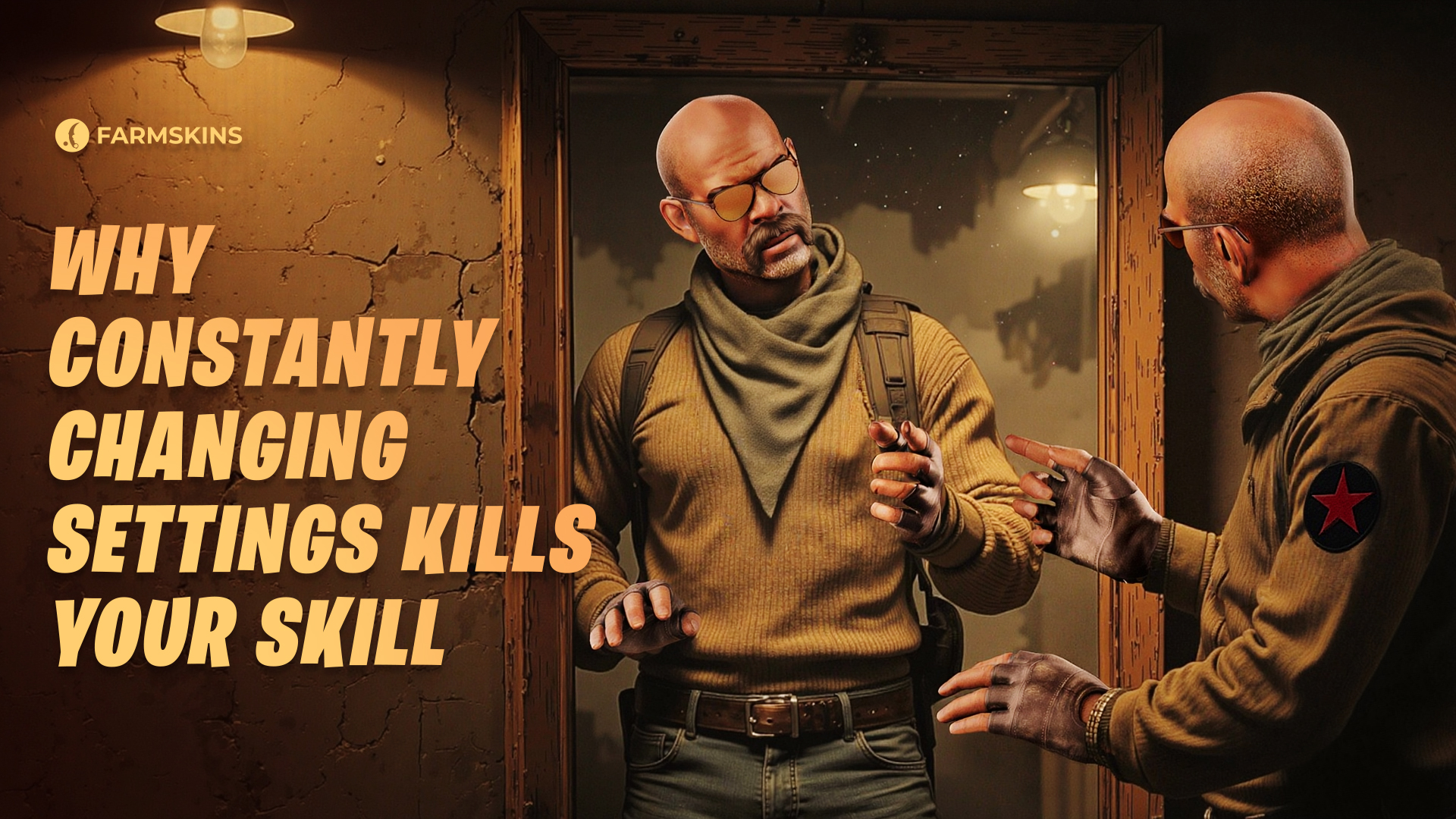
Almost every CS2 player has experienced this: you have a bad game, your aim feels off, your hands don’t cooperate — and suddenly you think, “Maybe I should change my mouse sensitivity or crosshair? Probably my settings are the problem.” But the truth is that constantly changing your settings will only make things worse. In this article, we’ll explain why you shouldn’t tweak your CS2 config after every bad game and how to approach your settings properly.
Settings Are the Foundation of Muscle Memory, Playing Badly Sometimes Is Normal, Stability Is More Important Than Experiments, The Psychology of Quick Fixes, How to Choose the Right Settings, Conclusion
Settings Are the Foundation of Muscle Memory
Mouse sensitivity, CS2 crosshair, hand position, screen resolution — these are the building blocks of your muscle memory.
The more you play with the same settings, the more confident your movements become, the more precise your aim is, and the faster your reactions get.
If you constantly change your settings after every bad match, your muscle memory doesn’t have time to develop.
When you stick to the same setup consistently — even if your performance fluctuates — your brain and hands gradually adapt to those conditions.
Any professional player will tell you: success doesn’t come from searching for the “perfect sensitivity,” but from consistency and deliberate practice.
Playing Badly Sometimes Is Normal
Everyone has bad games. Even top-tier pro players make mistakes or have entire matches where nothing seems to work. That doesn’t mean the CS2 settings are to blame.
Your CS2 performance is reliant on countless variables: fatigue, mood, concentration, even things such as your internet connection or lighting in the room.If you are changing your settings after every defeat, then you'll never get an opportunity to know what is actually going wrong, as you're always modifying the conditions. Real progress begins when you learn to analyze your mistakes while keeping your setup stable. Only then can you separate your own gameplay issues from technical factors.
Stability Is More Important Than Experiments
Consistent settings in CS2 give you a solid foundation. When you’re confident in your setup, you can focus fully on your decisions, positioning, and map control instead of constantly second-guessing your sensitivity.
That doesn’t mean experimentation is forbidden. Sometimes it’s helpful to test a new resolution or a different crosshair.
But these changes should be made consciously and gradually — not in a panic after every bad match.
The best approach is to set aside time outside of ranked games to experiment, using maps like Aim Botz, training_aim_csgo2, or Deathmatch servers. Only after several hours of testing should you decide whether a new setting is right for you.
The Psychology of Quick Fixes
Constantly changing your settings CS2 is often a psychological trap.
After a loss, you want to find a reason — and the easiest thing to blame is your setup.
It’s a mental trick your brain uses to avoid responsibility for the result.
But in reality, defeats usually come down to lack of experience, poor positioning, bad communication with teammates, or simply not paying enough attention.
True improvement comes from working on yourself, not endlessly adjusting your config.
How to Choose the Right Settings
If you genuinely feel that your current settings aren’t working, here’s how to approach changes properly:
-
Have a clear goal for the change. Don’t adjust your settings randomly. For example, if you’re struggling with spray control, lowering sensitivity might help — but do it with a purpose, not just out of frustration.
-
Set a testing period. Give yourself at least a week of stable gameplay with the new settings CS2. Muscle memory doesn’t form in a single match.
-
Use training maps first. Before jumping into ranked games, try the new setup on Aim Botz, duel servers, or DM.
-
Track your performance objectively. Sometimes it feels like you’re doing worse with a new setting, but real stats might tell a different story.
Micro-Stutters in CS2: What to Do
Conclusion
Constantly changing your CS2 settings is just an attempt to find a shortcut to improvement — but it usually does more harm than good.
If you really want to get better at CS2, focus on consistency, analyzing your mistakes, and developing a structured practice routine.
Settings are just tools — you are the real deciding factor.
The ones who win are those who learn to work on themselves — even after their worst games.


