Crosshair Placement Guide in CS2

Crosshair Placement Guide in CS2
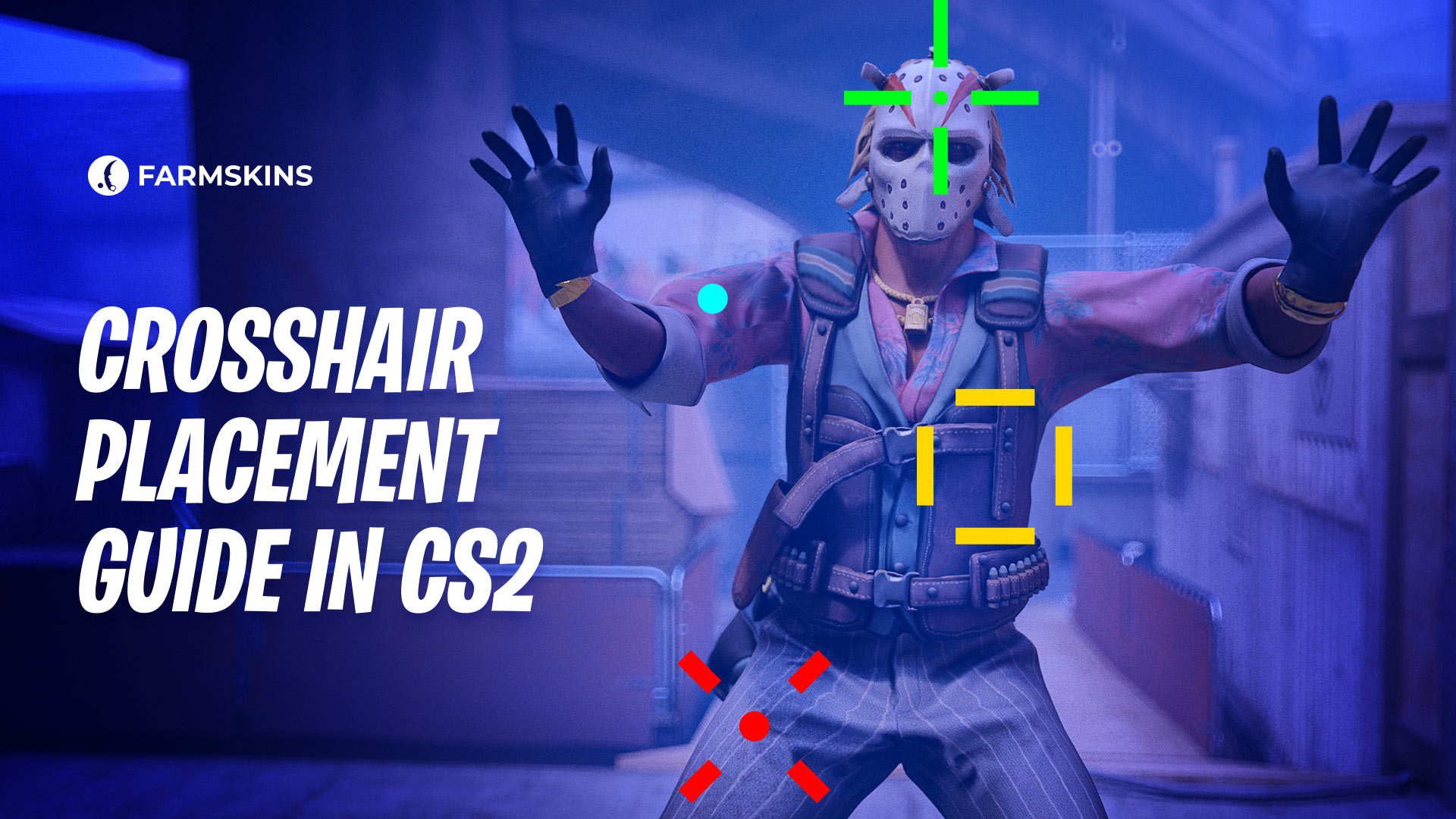
CS2 crosshair placement is vital, but true mastery goes beyond basics. This guide dives into advanced tactics, showing how pros adjust to factors like enemy behavior, economy, and utility to sharpen their aim and gain a winning edge.
Understanding the “Gray Areas” of Crosshair Placement, Factors Influencing Crosshair Placement, Mastering Basic and Advanced Techniques, Adjusting for Specific Situations
Understanding the “Gray Areas” of Crosshair Placement
In CS2, crosshair placement isn’t just about aiming at head level; it involves understanding the “gray areas” where intuition and game sense come into play. These gray areas are shaped by real-time factors that make each encounter unique, like the round timing, player count, or enemy habits from previous rounds. This means effective crosshair placement adapts to the flow of the game, anticipating not just where enemies might be but how they’re likely to approach.
Game sense—your ability to predict enemy movements and positions—is crucial here. As you gain experience, you’ll start to recognize patterns and nuances that let you position your crosshair with greater accuracy. Rather than rigidly holding angles, you learn to read the game and make subtle adjustments, which often leads to more kills and better control of each round.
Factors Influencing Crosshair Placement
Several factors affect crosshair placement in CS2, making it more nuanced than simply aiming at head level. By understanding and adapting to these variables, players can position their crosshair more effectively for any situation. Here are the key factors to consider:
-
Round Time: As rounds progress, players may shift to more aggressive or defensive positions. Early in the round, enemies might hold longer sightlines; later, they may be closer as they push or defend.
-
Remaining Players: Fewer players mean fewer angles to cover, allowing more focused crosshair placement. With more players alive, your crosshair needs to be ready for threats from multiple angles.
-
Enemy Behavior from Previous Rounds: Noticing tendencies, like a player repeatedly peeking the same spot or holding specific angles, can inform where you aim in future rounds.
-
Confidence and Aim Consistency: Your own performance and reaction speed affect where you position your crosshair. If you’re aiming well, you might set your crosshair more precisely; if not, aiming slightly wider may improve your reaction time.
-
Speed of Angle Clearing: When moving quickly, it’s best to keep your crosshair slightly off corners to account for the need to react faster, while slower movements allow for tighter crosshair positioning.
-
Weapon Choice (Yours and Enemies’): Weapons with slower fire rates or high precision, like rifles, reward head-level crosshair placement. Against enemies with SMGs or pistols, you may need wider placement to anticipate faster movement.
-
Economy and Equipment: Knowing the enemy’s economy affects crosshair placement. For instance, expecting pistol rushes in eco rounds may call for a wider placement to counter faster approaches.
-
Utility Usage: Smokes, flashes, and grenades from both teams indicate enemy positions. For example, a smoke might signal an enemy holding nearby, guiding you to adjust your crosshair to cover the likely angle.
What You Can Learn from JL’s Playstyle
Mastering Basic and Advanced Techniques
-
Holding Angles: When holding an angle, it’s vital to position your crosshair in CS2 based on how you anticipate the enemy will peek. Avoid placing it too close to the corner; instead, position it slightly wider to give yourself time to react. If you expect a fast, wide swing, hold your crosshair farther out. Conversely, if it’s quiet and you anticipate a cautious peek, adjust your crosshair closer to the angle.
-
Jiggling and Crosshair Adjustment: Jiggling—a quick peek in and out of cover—allows you to spot enemies without fully exposing yourself. By doing this, you can adjust your crosshair to align with their position before committing to a shot. Jiggling is particularly useful for correcting your aim if the enemy isn’t standing exactly where you expected.
-
Body Shots vs. Headshots: While headshots are effective, sometimes aiming for the body is more practical, especially with weapons like the Scout or when using pistols. For instance, in pistol rounds, body shots can be faster and more consistent if the enemy lacks armor. Similarly, using body shots to soften up opponents can benefit teammates who might have less powerful weapons.
-
Using Sound Cues: Sound cues, like footsteps or weapon sounds, provide crucial hints about enemy positions and movement speed. By paying attention to these sounds, you can adjust your crosshair placement to where an enemy is likely to appear, whether they’re moving quickly or cautiously.
Adjusting for Specific Situations
When you’re the first player pushing into a site, your goal is to create space for your teammates, meaning speed is essential. Since you don’t have time to clear every angle, use your game sense to anticipate common enemy positions. For example, if you expect a sniper in a typical AWP spot, aim your crosshair there as you enter. If the enemy is on an Eco, keep your crosshair closer to corners, anticipating they may be hiding in tight spaces.
In tight quarters, it’s best to lower your crosshair slightly to the body level instead of aiming for the head, as enemies can move unpredictably and quickly. Body shots are faster and more reliable here, helping you secure the kill without needing a precise headshot.
In tight quarters, it’s best to lower your crosshair slightly to the body level instead of aiming for the head, as enemies can move unpredictably and quickly. Body shots are faster and more reliable here, helping you secure the kill without needing a precise headshot.
Mastering CS2 crosshair placement requires more than just aiming at head level; it’s about adapting to each unique situation and reading the game. By refining your techniques—like adjusting for entry fragging, anticipating off-angles, and reacting to utility—you can significantly boost your effectiveness. Practice these strategies consistently, and you’ll find yourself winning more fights and making smarter plays.


