CS2 Nvidia and Windows 11 Optimization for Maximum FPS

CS2 Nvidia and Windows 11 Optimization for Maximum FPS
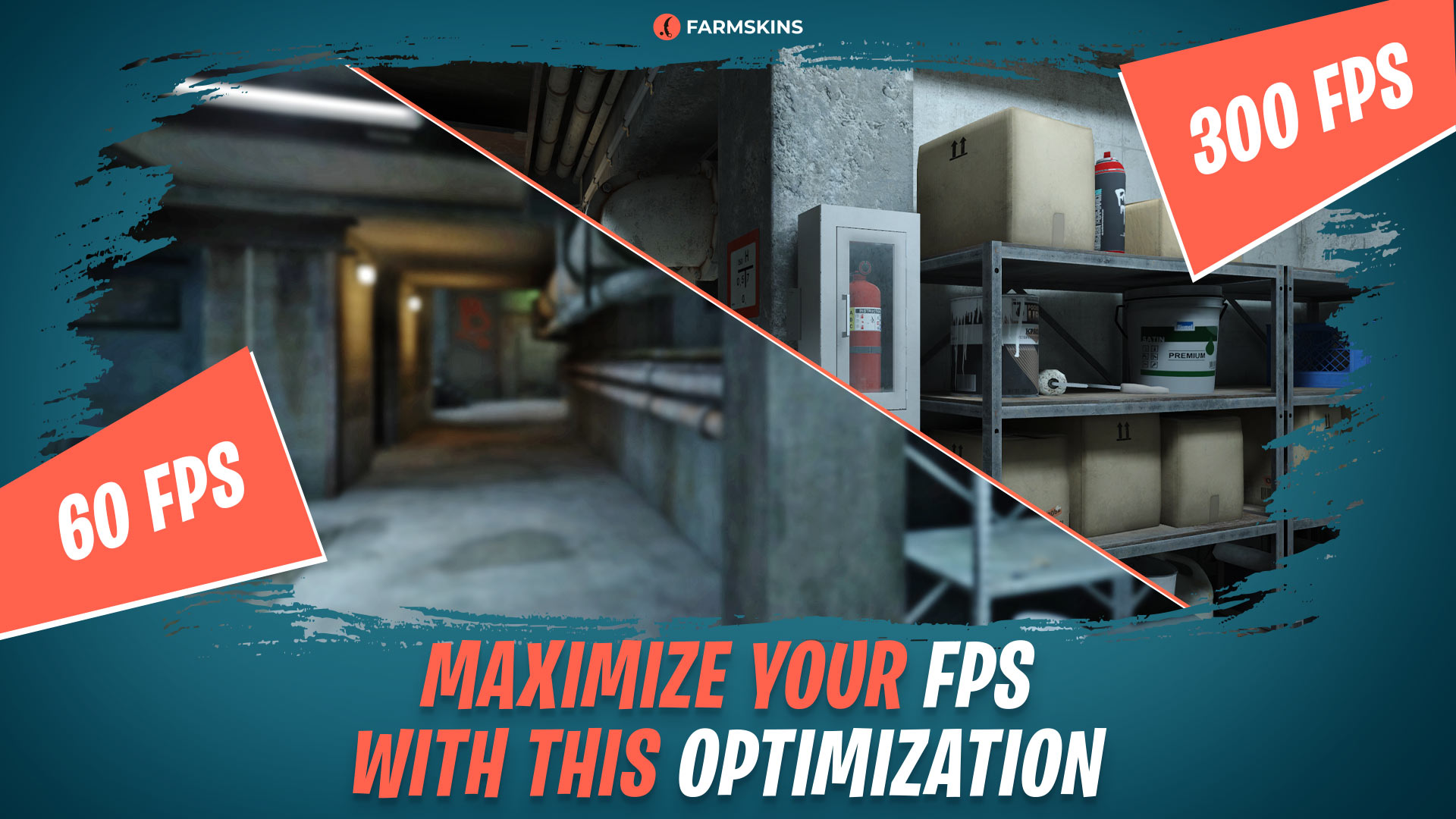
CS2 demands not only sharp reflexes but also stable system performance. Even with powerful hardware, you can lose precious frames without properly configuring your system and game settings. In this article, we’ll walk you through how to configure CS2 Nvidia settings, how to optimize Windows 11 for CS2 gaming, and what settings will give you the maximum FPS in CS2 without sacrificing visual quality
Why System Optimization Matters in CS2, Best Nvidia Settings for CS2, In-Game Graphics Settings for CS2, How to Boost FPS in CS2 on Windows 11, Extra Tips to Maximize CS2 Performance, Conclusion
Why System Optimization Matters in CS2
CS2 runs on the Source 2 engine — modern, but resource-intensive. Without proper CS2 optimization, you may encounter stutters, inconsistent FPS, and lag in critical moments. Setting up your Nvidia GPU for CS2 and optimizing Windows 11 for gaming can help you get the most out of even mid-range hardware.
Best Nvidia Settings for CS2
To make things easier, here’s a step-by-step guide to get you started with the best Nvidia settings for CS2:
Open the CS2 Nvidia Control Panel and do the following:
Manage 3D Settings (Program: CS2)
-
Preferred graphics processor: High-performance Nvidia processor
-
Power management mode: Prefer maximum performance
-
Texture filtering - Quality: High performance
-
Antialiasing - FXAA: Off
-
Vertical sync (V-Sync): Off
-
Triple buffering: Off
-
Monitor technology: Use the highest available refresh rate
-
Maximum pre-rendered frames: 1
-
OpenGL rendering GPU: Off (unless you experience screen tearing)
These are the top Nvidia settings for CS2 in 2025, guaranteed to boost your performance without compromising clarity. Set them up now and see the results for yourself.
In-Game Graphics Settings for CS2
Now let’s look at the best in-game video settings for even more performance gains.
Open CS2 and go to Video Settings:
-
Resolution: 1280x960 (4:3), with “Stretched” aspect ratio
-
Model/Texture Detail: Low
-
Multicore Rendering: Enabled
-
Lighting and Post-processing Effects: Low
-
MSAA (Anti-Aliasing): Disabled
-
Texture Filtering Mode: Bilinear
-
Shadows and Physics Effects: Minimal
These CS2 graphics settings provide stable FPS even in smokes and large firefights.
How to Boost FPS in CS2 on Windows 11
Many players wonder: does your OS matter? Absolutely. Windows 11 for CS2 gaming needs proper tweaks to run at its best:
Disable Visual Effects
Control Panel → System → Advanced system settings → Performance Settings → Select “Adjust for best performance”
Enable Game Mode
Settings → Gaming → Game Mode → Turn On
Change Power Plan
Control Panel → Power Options → Select “High performance”
Disable Background Services
Use Task Manager → Disable auto-start for apps like Discord, Steam Overlay, etc.
Update Nvidia Drivers
Always download from the official Nvidia website. Driver updates often deliver major performance gains in CS2.All of this helps boost your system’s performance for smooth and comfortable gameplay.
Extra Tips to Maximize CS2 Performance
-
Run CS2 as administrator
-
Use Steam launch options:
-high -novid -nojoy +fps_max 300
-
Enable GPU hardware acceleration in Steam and your browser
-
Regularly clean your PC and keep Windows updated
Entrying in CS2 Guide: Techniques for Success
Conclusion
Proper CS2 Nvidia config and Windows 11 optimization for CS2 can drastically improve your in-game performance. By following the tips shared above, you’ll achieve maximum FPS in CS2 even on aging hardware. Remember, a smooth and stable framerate leads to more accurate shots and a more confident performance in any match.Would you like a downloadable checklist of all these steps?


