How to Make Animated Avatars in CS2

How to Make Animated Avatars in CS2
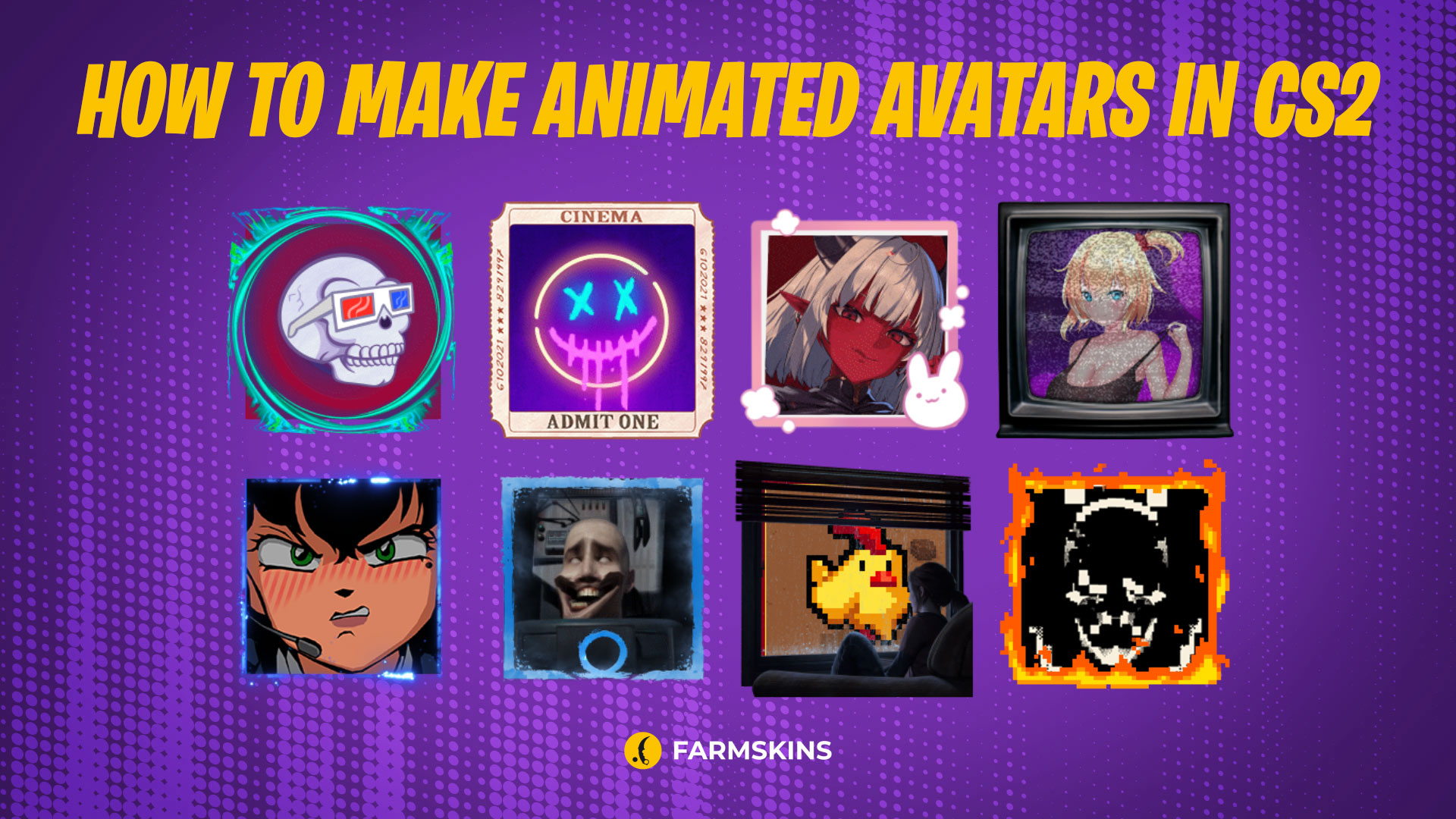
To help players stand out not only with their skills in matchmaking but also with their profiles in Counter-Strike 2, Steam has introduced new customization options. The community has embraced this initiative, and now the Steam marketplace offers more than 1,300 different profile avatars. In this article, we’ll explain how to get a CS2 animated avatar in Steam and how to use the platform’s features to enhance your account, turning you into the most memorable MVP of the match.
By choosing the right avatars for CS2, players can add a personal touch to their profile. Whether you opt for a CS2 animated avatar or a custom image, it’s all about showcasing your unique style and standing out in the community.
A Few Words About Steam Points, How to Set an Animated Avatar in CS2, Other Ways to Customize Your Steam Profile
A Few Words About Steam Points
Animated avatars can be found in the Store tab, specifically in the Items for Points section. The cost of an animated avatar is 3,000 points. Players can earn Steam Points by making purchases on Steam or by contributing to the community. For every €1 spent on games, DLCs, or in-game items, Steam awards 109 points.
Points are also granted when other users rate the content you’ve uploaded to Steam, such as screenshots, guides, or Workshop creations. This is a great opportunity to earn recognition from fellow players while boosting your Steam Points balance.
How to Set an Animated Avatar in CS2
Setting an animated CS2 avatar as your profile picture is simple and involves two main steps:
-
Purchasing the item.
-
Changing your avatar in your Steam profile settings.
Let’s break down how to get an animated avatar in Steam. First, head over to the Items for Points section in the store. In the filter on the left, select Profile → Avatars. Here, you can also spend points on other Steam items.
Once you’ve chosen and purchased your avatar, you’ll need to update your profile settings to make the avatar active. Go to the My Profile tab → Edit Profile → Avatar.
In this menu, you’ll have full control over customization. You can easily change your animated avatar, profile background, or even add a frame around your avatar. One common question is whether you can upload your own GIF as an avatar—unfortunately, the answer is no. When you try to upload a custom GIF for your profile, Steam will display it as a static image without any animation.
While playing CS2, your animated avatar will remain active. However, if you find the animation distracting during matches, you can disable the animations for both your own and others' avatars.
How to Disable Animated Avatars in CS2:
-
Launch the game and go to the settings section.
-
Click on Game.
-
Next to Allow Animated Avatars, select No.
So steigen Sie schnell in Steam auf
Other Ways to Customize Your Steam Profile
Animated avatars in CS2 aren’t the only way to make your account stand out. Here’s a list of all the available customization options offered by Valve:
-
Avatar
Choose an animated picture from the Steam store, whether it’s an exclusive or a popular design. -
Profile Background
Purchase a background that reflects the atmosphere of your favorite game. -
Mini-Profile
Customize the appearance of your mini-profile: change the color, background, or displayed information. -
Special Profile
Personalize your profile using statuses, quotes, and other elements.
All of these options are available through Steam Points, which players can earn through achievements and activity. Remember, customizing your Steam profile, including adding CS2 animated avatar in CS2, is more than just a cosmetic upgrade—it’s a chance to make a statement in the gaming world. Avatars for CS2 allow players to express their personality and creativity, making their profile stand out among others.
And as always, it’s not just about the skin but also about the skill! Whether you choose a simple image or a flashy CS2 animated avatar, it’s all part of showcasing your identity in the gaming community.


