All Methods for Farming Steam Trading Cards

All Methods for Farming Steam Trading Cards
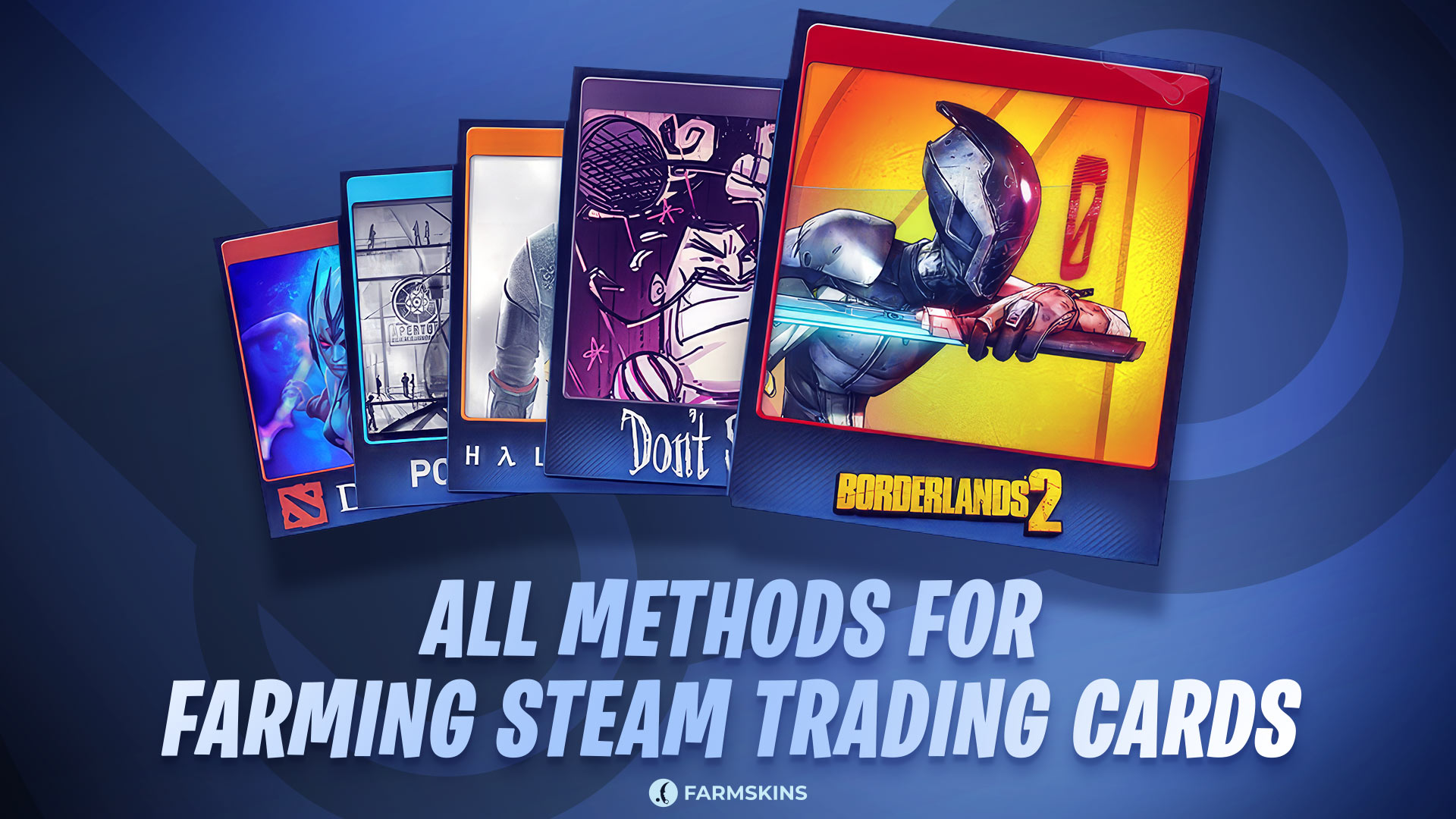
Steam trading cards can help you level up your account and build unique badges, as well as earn you some money if you are so inclined. Whether you are an enthusiast or just an automation freak, there are many ways of efficiently farming trading cards. Here is the complete overview of all the known popular methods of farming Steam cards.
Playing and Earning Cards, Bonus Cards Through In-Game Purchases, Automated Farming with Software, Mobile Apps, Browser Extensions, Conclusion
Playing and Earning Cards
This is by far the easiest and most frequent way of obtaining trading cards, as it only requires playing games that support this feature. The game must support trading cards, and this information can be found on the store page. Additionally, you must have activated a Steam account with at least $5 in your wallet.
Any game that drops cards will show you how many more you can collect in the Steam Library’s “Badges” section. If a set consists of eight cards, you will be awarded half—four cards. In cases where the total number is odd, it rounds up in your favor. To farm the cards, simply launch the game and let it run for a few hours. Usually, this is enough time to receive all available cards without needing to actively play.
Bonus Cards Through In-Game Purchases
Some games, particularly multiplayer titles or those featuring in-game transactions, offer additional trading cards when purchases are made. For every $9 spent on in-game purchases, you receive one extra card. If you spend $18, you will receive two additional steam farming cards. Notably, you do not need to download or actively play the game. Simply launching it via Steam is enough for the system to track your playtime and drop cards accordingly.
Automated Farming with Software
For those who prefer to automate the process, there are several programs designed to farm cards without the need to manually launch games.
Arch Steam Farm (ASF) is an open-source application that simulates game launches, tricking Steam into dropping cards. This fully automated process supports farming on multiple accounts simultaneously and even allows you to collect free seasonal cards during Steam sales. To use ASF, install the application, log in, select the games for farming, and let the program handle the rest.
Steam Achievement Manager (SAM) is another tool that not only farms cards but also unlocks achievements in games. By launching the tool and selecting a game, SAM simulates playtime until all available steam farming trading cards are dropped.
Mobile Apps
At one time, mobile apps like Idle Daddy for Android provided a convenient way to farm cards on the go. However, due to a lack of updates, their functionality has become unreliable. While such apps offer a level of convenience, their effectiveness may vary, making them less reliable compared to other methods.
Browser Extensions
For those who prefer a lightweight and simple solution, browser extensions can be an effective alternative. One such extension is Card Factory by Steam Level Up, which works on browsers like Google Chrome and enables users to farm cards with minimal effort. After installing the extension, navigate to the section displaying available cards for your games, start the farming process, and wait for a notification when all farming steam trading cards have dropped.
This extension also offers additional features, such as converting unused cards into gems to purchase card packs. It remains functional even for accounts with restrictions on selling cards, making it a useful option for many users.
How to Change Your Steam API Key
Conclusion
There are multiple ways to farm Steam trading cards, each catering to different needs and preferences. Browser extensions provide a simple and convenient method, while open-source programs offer more advanced control for experienced users. By choosing the method that best aligns with your goals, you can efficiently farm Steam trading cards and enjoy the benefits they provide.


