How to Use and Bind a Taunt in Dota 2

How to Use and Bind a Taunt in Dota 2
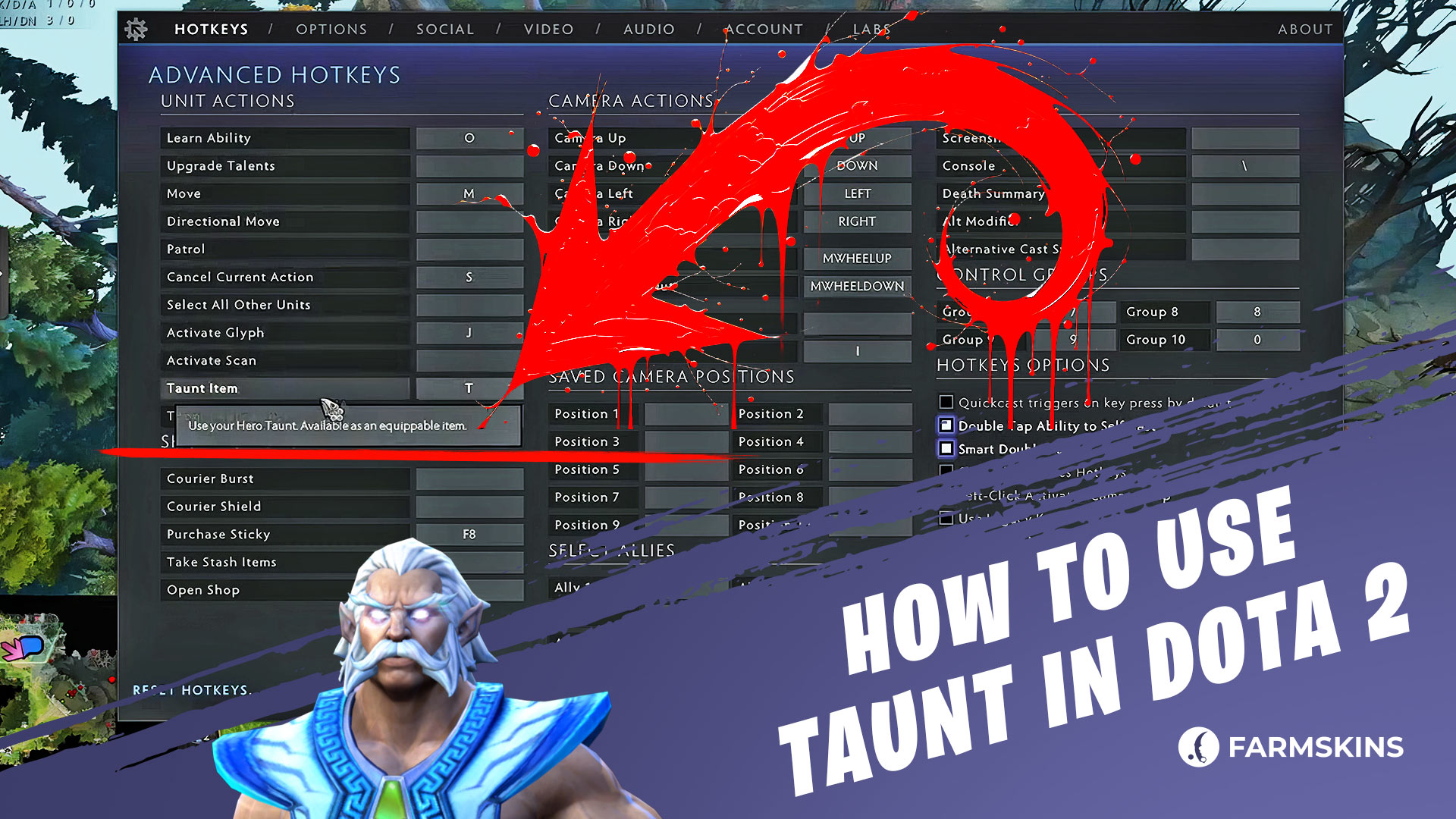
A Taunt in Dota 2 is a cosmetic item that lets your hero celebrate a Rampage, show off after a great play, or simply tease your opponent. Every taunt is unique to a specific hero and adds extra personality to your gameplay. In this guide, we’ll explain how to use and bind a taunt in Dota 2 properly.
How to Bind a Chat Wheel Phrase in Dota 2, How to Bind a Taunt in Dota 2, How to Use a Taunt in Dota 2, Automatic Taunt Triggers, What to Do If Your Taunt Doesn’t Work, Conclusion
How to Bind a Chat Wheel Phrase in Dota 2
Before setting up a taunt, it’s useful to know that you can also bind Chat Wheel phrases — short voice lines or text messages used to communicate or taunt opponents.
To do this, open the Settings menu, go to the Hotkeys → Communication tab, and assign a key to Use Chat Wheel. You can then choose which phrase to trigger from your Chat Wheel — whether it’s something funny, sarcastic, or purely tactical.
How to Bind a Taunt in Dota 2
Binding a taunt in Dota 2 takes just a few moments. Follow these steps:
Open Settings by clicking the gear icon in the top-right corner of the main menu.
In the search bar at the top-left, type “Use Taunt.”
Under the “Unit Actions” section, find the command “Use Taunt.”
Choose a convenient key (for example, T or F) and assign it to this action.
Save your settings — now you can use your taunt in-game with a single key press!
You can also rebind this key at any time during a match if you prefer a different setup.
How to Use a Taunt in Dota 2
Once your taunt hotkey is set, you can trigger it at any time by pressing the assigned key — as long as your hero’s taunt is equipped in your Armory.
Every taunt has a cooldown — typically 20, 40, or 60 seconds. The more frequently you use it, the longer the cooldown becomes.
Modern taunts no longer interrupt spell casting or movement, but older ones may still require your hero to stand still for the animation to play. These legacy taunts usually come from early Dota 2 events or Treasure collections.
Automatic Taunt Triggers
Some taunts can activate automatically when certain in-game conditions are met, such as:
Killing an enemy courier or allied hero
When the entire enemy team dies
Successfully teleporting while at low health
These special triggers are built into specific taunts and can’t be manually activated — they’re purely cosmetic reactions to your in-game performance.
What to Do If Your Taunt Doesn’t Work
If your taunt doesn’t activate when you press the hotkey, check the following:
Make sure the taunt is equipped on your hero in the Armory.
Confirm that a key is assigned to Use Taunt in the Settings.
Ensure your hero isn’t currently channeling a spell, stunned, or silenced.
Verify that the taunt is actually available for your current hero — taunts are hero-specific.
If everything is set correctly, your taunt should work instantly once off cooldown.
Here’s why this site is considered the best for case opening
Conclusion
To use and bind a taunt in Dota 2, go to Settings, search for “Use Taunt,” assign a comfortable key, and make sure your taunt is equipped in the Armory. Once done, you can trigger your taunt in any match to celebrate your best moments or simply have fun showing some style.
Just keep an eye on the cooldown — and enjoy adding a touch of flair to your Dota 2 experience!


