Silent Hill f — Hidden True Epic Graphics Settings

Konami Hid the Top Graphics Settings in Silent Hill f for PC – Here’s How to Enable Them
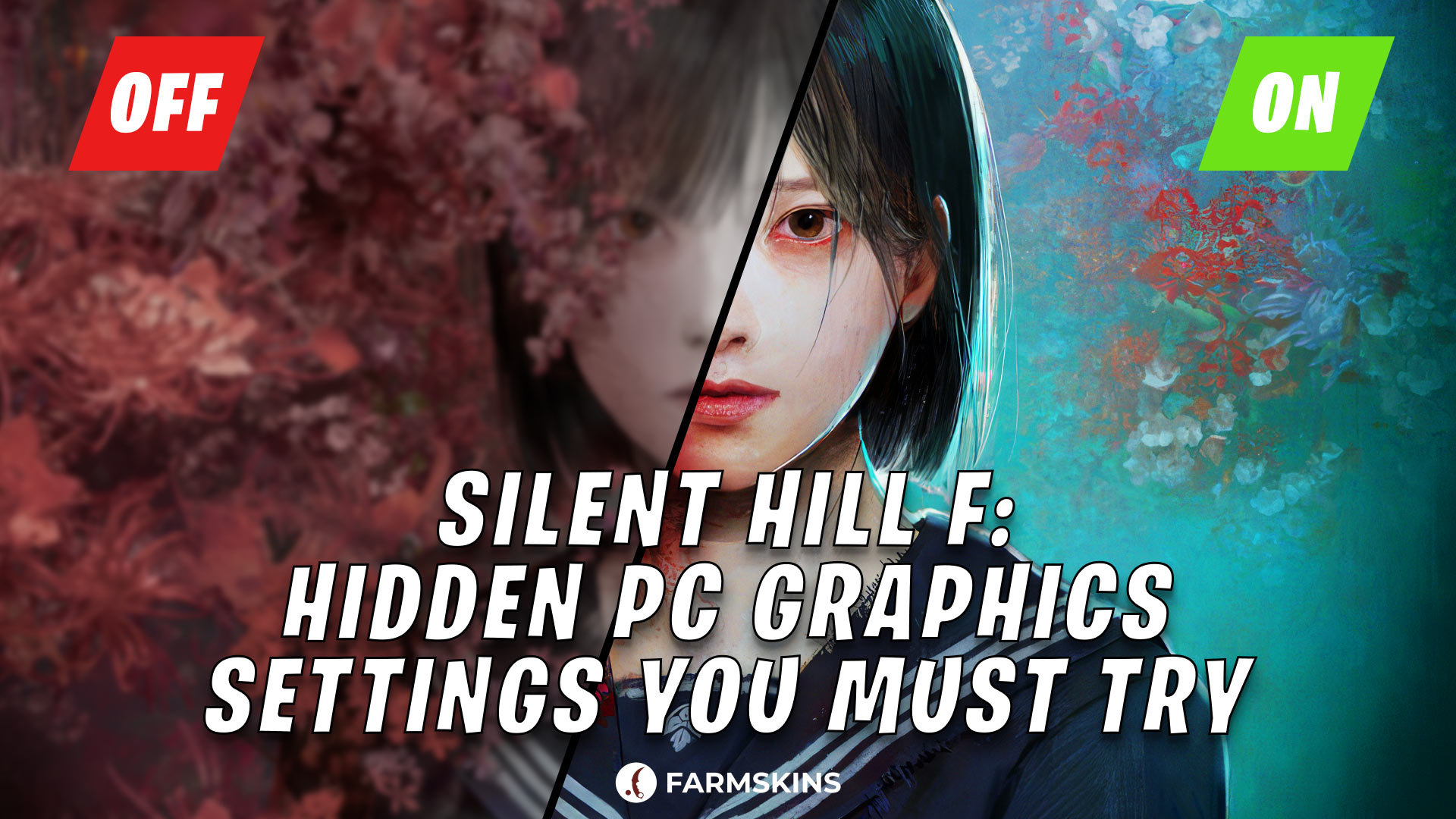
After the release of Silent Hill f PC, attentive players noticed that the game looks almost identical to the console version. Even with all settings set to maximum, the graphics performance did not seem to show the Unreal Engine’s full potential. However, it turned out that the game actually contains hidden graphics settings that the developers at Neobards Entertainment and publisher Konami left disabled for unknown reasons.
Gamers found a trick to manually enable these hidden parameters. By editing a single Settings.cfg file, players can unlock True Epic mode with advanced lighting, realistic reflections, and ray tracing, which makes the game look far better than the standard ultra settings.
What’s Hidden in Silent Hill f?, How to Enable the Hidden “True Epic” Settings, What Changes After Activation, Performance Impact, Why Konami Might Have Hidden These Settings, Conclusion
What’s Hidden in Silent Hill f?
The discovery was made by ElAnalistaDeBits, known for his detailed PC optimization and comparison videos. He noticed that the PC version of Silent Hill f does not use all the rendering capabilities of the Unreal Engine. After studying the configuration files, the enthusiast found multiple disabled parameters responsible for better lighting, shadow rendering, and hardware ray tracing.
Activating these hidden effects pushes the visuals closer to next-gen demos, significantly improving shadow quality and overall enhanced visuals compared to the PS5 vs PC build. It adds expressive ambient occlusion, high-quality reflections, and denser fog density.
Among the available improvements are:
advanced shadow lighting with high detail;
a more expressive ambient occlusion effect, adding depth to the scene;
higher-quality reflections on surfaces;
activation of hardware ray tracing, making lighting and reflections more realistic.
How to Enable the Hidden “True Epic” Settings
To activate the hidden graphics settings in Silent Hill f, you don’t need third-party software. Just place the optimized Settings.cfg file in the game folder, make it read-only, and restart. This game optimization method safely enables improved graphics without risking crashes or performance drops.
Instructions:
Download the Settings file (available below).
Go to the game’s configuration folder:
AppData\Local\SHf\Saved\Config\WindowsCopy the downloaded Settings.cfg file into this folder. If a file with the same name already exists, replace it.
After copying, right-click the file, select Properties, and check Read-only to prevent the game from overwriting your settings on the next launch.
When these are completed, launch Silent Hill f – the hidden visual effects will be activated by default.
The Settings file already has a full list of optimized parameters, including better shadows, realistic reflections, detailed lighting, and hardware ray tracing. With this configuration, the game demonstrates its full graphic potential without the need to edit files manually.
What Changes After Activation
With True Epic mode, Silent Hill f looks closer to a modern Unreal Engine showcase than a simple console vs PC graphics port. Lighting is softer, reflections brighter, and shadows more detailed. ElAnalistaDeBits noted that the PC build surpasses the PS5 vs PC comparison in several scenes.
Performance Impact
Enabling all effects increases the performance impact – the frame rate drops by 20–30 FPS compared to normal settings. Owners of a high-end gaming PC won’t notice issues, while weaker machines may need tweaks to balance performance and visuals.
Why Konami Might Have Hidden These Settings
Konami hasn't said anything about this yet. People are guessing that the company wants to keep the graphics looking the same on consoles and PC and to make sure the game runs well on all sorts of computers.
Nevertheless, the discovered settings clearly demonstrate that Silent Hill f is capable of looking much better than what the standard menu allows.
ElAnalistaDeBits believes that in one of the future patches, Konami may officially add extended graphic presets, including the “True Epic” mode, so that players can enable it directly through the game’s interface without manual file editing.
Gaben’s Store Updated: Three New Sections and More Features
Conclusion
It turns out that Silent Hill f hides significant untapped graphical potential that allows for truly impressive visual quality. Just making a simple text file lets you get to all the best visual stuff, like hardware ray tracing and better lighting.
Sure, the game will use more power, and your frame rate might go down, but the way it looks is worth it. Silent Hill f finally looks like a modern Unreal Engine project – not just a console port.
Until Konami officially adds these options to the graphics menu, this remains the only way to experience the game in its true graphical form.


