Valve Simplifies Access to Skin Information in CS2

Easier Skin Info in CS2

Valve Simplifies Access to Skin Information in CS2
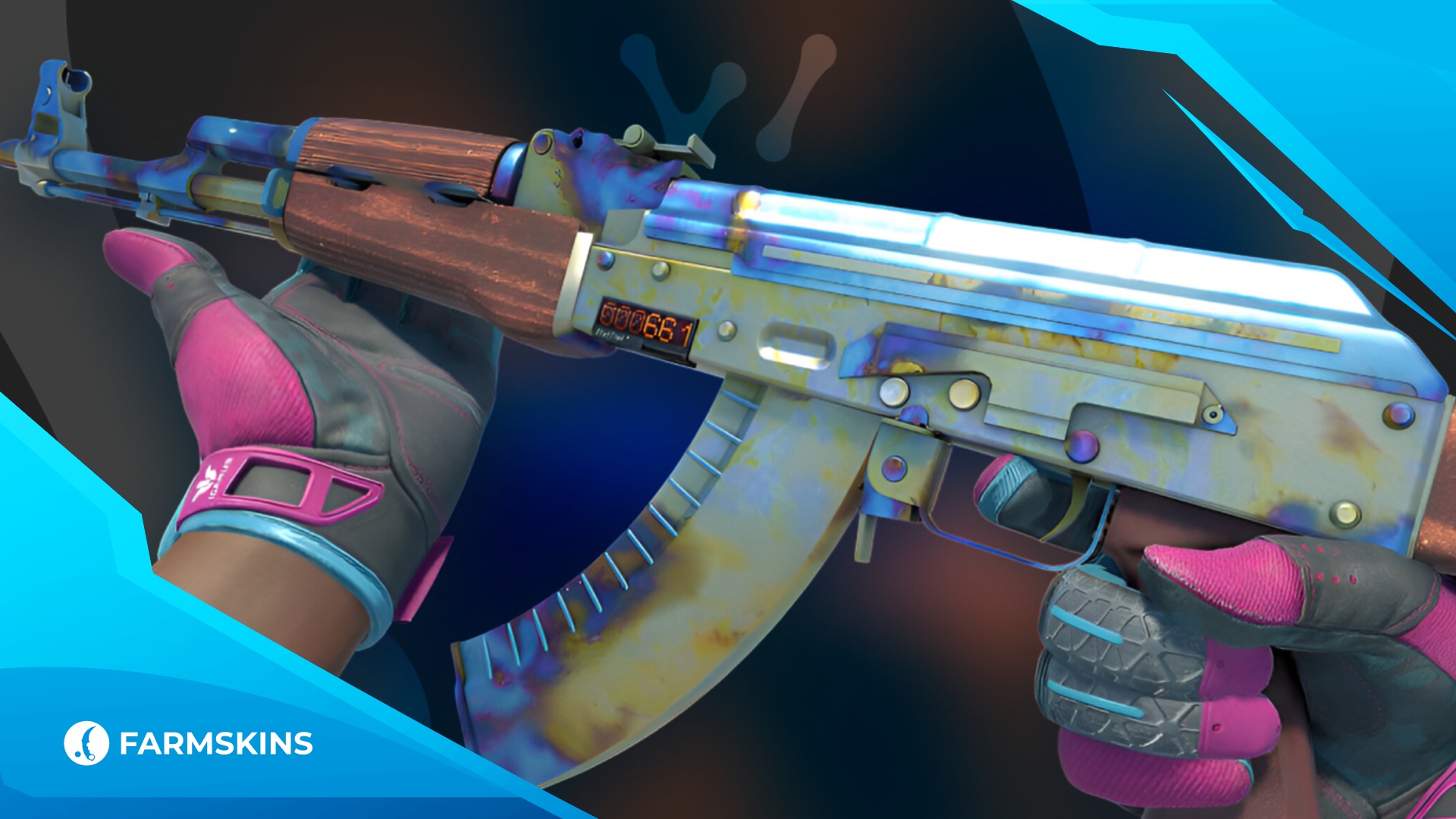
Easier Skin Info in CS2

Valve has released an important update for all Counter-Strike 2 skin enthusiasts. Now, information about a skin’s float and pattern is displayed directly in Steam, eliminating the need for additional extensions or third-party services.

Previously, to check a skin's condition and particular pattern, a person had to either start the game itself or use browser plug-ins and certain websites. This was not only time-consuming but also inconvenient for collectors, traders, and just plain anyone who wanted to look and assess swiftly the value or the uniqueness of a skin.

With the update, everything's easier: when shopping for skins on the Steam marketplace, users can now directly see the float and pattern info without having to launch the game client. This speeds up the buying and selling process and allows players to quickly find rare skins with unique wear and pattern combinations.

For the trading community, this change is a real gift. Collectors can now track rare skins faster, while buyers can evaluate their rarity and value even before making a purchase.

This update also improves the transparency of the skin market. Users will have an easier time browsing prices and finding the best deals faster, which should drive traffic on the marketplace.

CS2 Performance Improved After Update

Overall, Valve has made it easier to deal with skins for all types of players — from old-time collectors to new players just beginning to learn the ropes of the CS2 economy.

News

BLAST Rivals Fall 2026 Playoff Bracket and Schedule BLAST Rivals Fall 2026 Playoff Bracket Revealed CS2 Update Adds Chicken Tricks and Faster Retakes CS2 Update Adds Chicken Tricks and Faster Retakes CS2 Player Count and Skin Market Decline in 2026 CS2 Loses Players as Skin Market Value Falls $3.7B PGL Major Singapore 2026 Confirmed Team Lineup All PGL Major Singapore 2026 Teams Confirmed Gaben's Store Halloween 2026 Update on Farmskins Halloween Update for Gaben’s Store on Farmskins MW4 Collateral Mode Explained MW4 Collateral Mode: New Game Mode, PC Preload on October 15, and 115 GB File Size GTA 6 Launch Trailer Breakdown GTA 6 Launch Trailer Breakdown: Jason & Lucia, the Justice Track & What It Tells Us Before Nov 19 Fortnitemares 2026 Guide: FNAF Skins & Free Jack-A-Nape Fortnitemares 2026 Guide: FNAF Skins, Free Jack-A-Nape (26 Quests) & Update v42.30 GTA 6 PC Release Will GTA 6 Come to PC? What’s Confirmed (and What Isn’t) CS2 Counter-Strafing Guide CS2 Counter-Strafing Explained: Stop Faster, Shoot Accurately Steam Guard Guide Steam Guard & Trade Holds for CS2: Set Up 2FA and Skip the 15-Day Hold CS2 Majors 2027 No European Major in 2027: Perfect World Confirms China Hosts the Second CS2 Major Call of Duty: Modern Warfare 4 Launch Guide Call of Duty: Modern Warfare 4 Launch Guide: Oct 23, Editions, Switch 2 & Campaign Early Access CS2 Grenade Damage Guide CS2 Utility Damage Cheat Sheet: HE, Molotov & Flash Numbers Astralis Stake Ranked Episode 4 Win: First LAN Since 2019 Astralis Win Stake Ranked Episode 4: First LAN Trophy Since 2019, Explained USP-S Kill Confirmed Prices, Floats & Sticker Crafts USP-S Kill Confirmed: Prices, Floats & Sticker Crafts AK-47 Bloodsport Prices, Floats and Sticker Crafts AK-47 Bloodsport: Prices, Floats & Why It Never Leaves the Meta Boulder, Fachwerk and Poseidon Maps in CS2 CS2 Community Maps: Boulder, Fachwerk & Poseidon GTA 6 Preload Guide 2026 GTA 6 Launch Checklist: What to Prepare for the November 19 Release CS2 HUD Settings CS2 HUD Settings Guide: Scale, Colors, Custom Layouts & Pro Setups Shattered Web Case Skins and Knives in CS2 Shattered Web Case 2026: Prices, Skins & Knives Glock-18 Fade Skin Glock-18 Fade Prices and Best Patterns in 2026 Desert Eagle Blaze Skin Desert Eagle Blaze Prices and Backflame Patterns Clutch Case Skins and Rare Gloves in CS2 Clutch Case 2026: Skins, Gloves & Drop Odds Best Talon Knife Skins in CS2 Best Talon Knife Skins in 2026