What CS2 Graphics Card Do You Need?

What CS2 Graphics Card Do You Need?
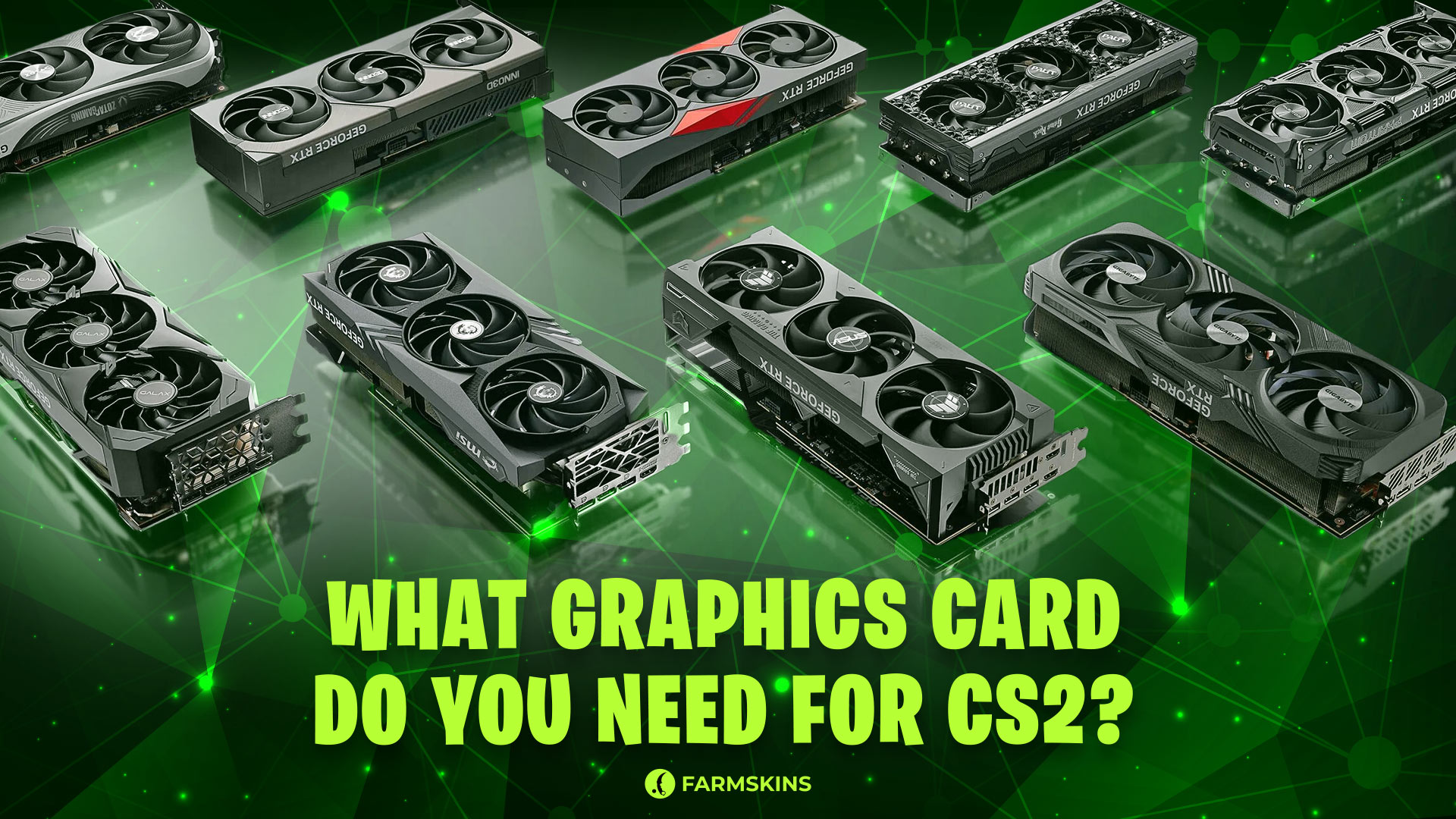
In Counter-Strike 2, every frame matters. The higher the refresh rate, the smoother and more responsive the gameplay feels, making it easier to win. Both the CPU and the GPU are responsible for maintaining high FPS in CS2. Today, we’ll explain which CS2 graphics card is best suited, why even good hardware can sometimes struggle with frame rates, and which models are worth choosing in 2025.
Which Graphics Card Is Best for CS2?, How Important Is the Graphics Card in CS2?, Is the RTX 3060 Enough for CS2?, What Is the Minimum Graphics Card for CS2?, Why Do I Have Low FPS in CS2? How to Improve It?, Conclusion
Which Graphics Card Is Best for CS2?
Before diving into the ideal graphics card choices, it’s important to outline three main criteria:
-
The game should run steadily at 1080p resolution.
-
The average FPS should exceed 150 frames per second.
-
Using upscaling technologies like FSR is not desirable.
The good news is that CS2 doesn't require top-end hardware. Even affordable models like the RTX 3050 or Radeon RX 6600 can easily deliver over 150 FPS at high settings. However, if you’re aiming not just for stable performance but for a truly smooth experience with over 300 FPS, it’s worth considering newer series like the RTX 4060 or RTX 4070. These cards are popular among Steam users and perfectly meet CS2’s modern demands.
How Important Is the Graphics Card in CS2?
CS2 is one of those rare games where the graphics card in CS2 plays an important but not decisive role. The CPU and RAM remain critically important. A weak GPU will bottleneck the CPU, resulting in lower frame rates and noticeable stutters.
Special attention should be paid to NVIDIA Reflex Low Latency support. This technology minimizes the delay between input and the action appearing on screen. In competitive CS2, Reflex matters, so having a CS2 GPU that supports it gives you a small but crucial advantage.
Is the RTX 3060 Enough for CS2?
The RTX 3060 is one of the most popular graphics cards among CS2 players, according to Steam statistics. And for good reason: the RTX 3060 delivers excellent performance. Paired with a modern CPU, it easily achieves over 144 FPS even at high settings in 1080p. Therefore, the RTX 3060 is a great choice for stable, comfortable Counter-Strike 2 gameplay.
What Is the Minimum Graphics Card for CS2?
The official CS2 system requirements only mention needing a DirectX 11-compatible card with 1 GB of video memory. However, even decade-old GPUs meet this description—and playing on them is nearly impossible.
The real minimum bar for comfortable CS2 gameplay is a card like the GTX 1650, RX 570, or similar. For a truly modern, no-compromise experience, you’ll want at least an RTX 3050 or Radeon RX 6600. These models will deliver a steady 150+ FPS at 1080p, which is critically important for competitive play.
Why Do I Have Low FPS in CS2? How to Improve It?
Even with good components, performance issues can arise. The main reasons for low FPS in CS2 include:
-
Outdated GPU CS2 drivers. Regular updates are essential.
-
A weak CPU. Even the best GPU can't compensate for an outdated processor.
-
Incorrect settings. Sometimes it’s better to sacrifice visuals for stable FPS.
-
Overheating components. Monitor your temperatures and keep your system clean.
To pinpoint what’s limiting your FPS, you can run a simple test: lower the graphics settings to minimum. If FPS doesn’t improve much, the CPU is the bottleneck. If FPS increases significantly, the GPU is the limiting factor.
If you’re considering overclocking to boost FPS, remember: overclocking increases the risk of hardware failure and is done at your own risk.
The secrets behind Pro players setup
Conclusion
You don't need the most expensive graphics card to enjoy CS2 comfortably. To consistently maintain 150–200 FPS and beyond, modern mid-range solutions are enough. The best choices are the RTX 4060, RTX 4070, or similar AMD cards. Even the RTX 3050 can handle CS2 with reasonable settings.
Maintaining a balance between your GPU CS2 and CPU is far more important. In CS2, victories are determined not only on screen but also in the milliseconds of your system's reaction time. Upgrade your hardware wisely — and upgrade your skins' looks with Farmskins, where thousands of awesome options are waiting for you!


