HeavyGod Settings and Config in CS2

HeavyGod Settings and Config in CS2
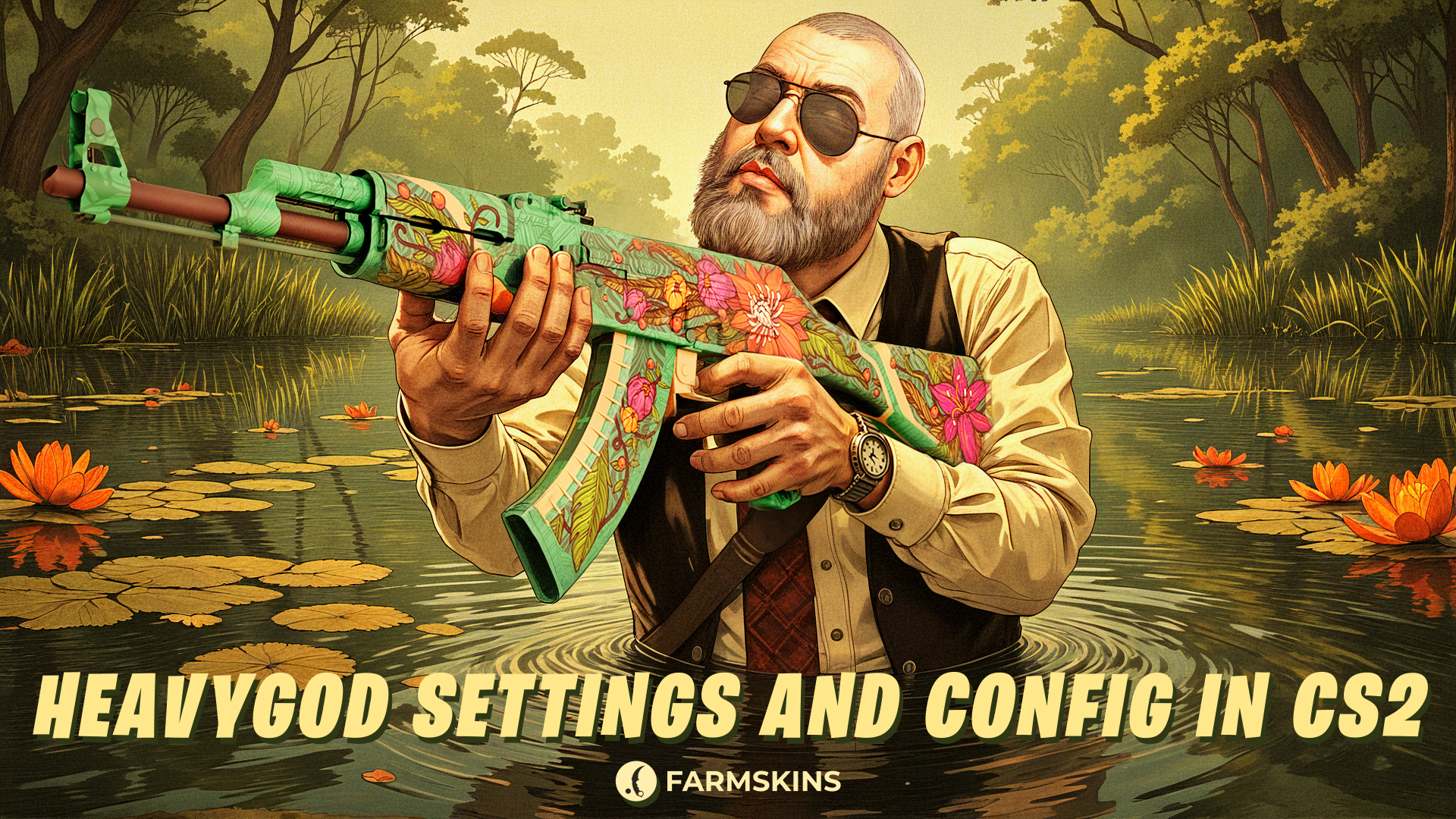
Nikita "HeavyGod" Martynenko is an Israeli professional Counter-Strike 2 player currently playing as a rifler for G2 Esports.At a young age, HeavyGod has already proven himself to be a consistent rifler who is reliable with aim and who can be trusted. He has played over 260 matches and has earned a sum of approximately $40,000 in earnings. One of his achievements is a 2nd place finish at PGL Bucharest 2025, where G2 won a huge prize money pool. Nikita plays for G2 Esports, one of the best organizations in the world for CS2. In this article, we’ll explore all of HeavyGod CS2 settings, his gear, and the skins he uses at the highest level.
HeavyGod's config in CS2, HeavyGod’s mouse settings in CS2, HeavyGod’s crosshair in CS2, HeavyGod’s video settings in CS2, HeavyGod’s viewmodel settings in CS2, HeavyGod’s gear in CS2, HeavyGod’s skins in CS2, Conclusion
HeavyGod's config in CS2
At the G2 level, it's crucial that settings are as responsive and comfortable as possible. HeavyGod has customized his configuration to match his aggressive playstyle and precise shooting. Try this setup in your own game and see how well it works for you.
HeavyGod’s mouse settings in CS2
Nikita uses a high-precision and balanced sensitivity HeavyGod setup that fits his rifler role:
Mouse Settings:
-
DPI: 400
-
Sensitivity: 3.1
-
eDPI: 1240
-
Zoom Sensitivity: 1.00
-
Windows Sensitivity: 6
-
Polling Rate: 1000 Hz
HeavyGod’s crosshair in CS2
HeavyGod’s crosshair is compact and thin, perfect for landing headshots at close and medium range.
Crosshair Code:
CSGO-LOxcc-rYkn3-kzXwx-uV2jp-v5BYN
HeavyGod’s video settings in CS2
His CS2 graphics settings are focused on performance and FPS — no visual distractions, only maximum stability:
Video Settings:
-
Resolution: 1920x1080
-
Aspect Ratio: 16:9
-
Display Mode: Fullscreen
-
Scaling Mode: Native
-
Boost Player Contrast: Enabled
-
Vertical Sync: Disabled
-
NVIDIA Reflex Low Latency: Enabled
-
Multisampling Anti-Aliasing Mode: 4x MSAA
-
Global Shadow Quality: High
-
Model/Texture Detail: Medium
-
Texture Filtering Mode: Anisotropic 4x
-
Shader Detail: Low
-
Particle Detail: Low
-
Ambient Occlusion: Medium
-
High Dynamic Range: Quality
-
FidelityFX Super Resolution: Disabled (Highest Quality)
HeavyGod’s viewmodel settings in CS2
HeavyGod weapon model settings are tuned to minimize screen clutter and keep focus on crosshair placement:
Viewmodel Settings:
viewmodel_fov 60
viewmodel_offset_x 1
viewmodel_offset_y 1
viewmodel_offset_z -1
viewmodel_presetpos 1
HeavyGod’s gear in CS2
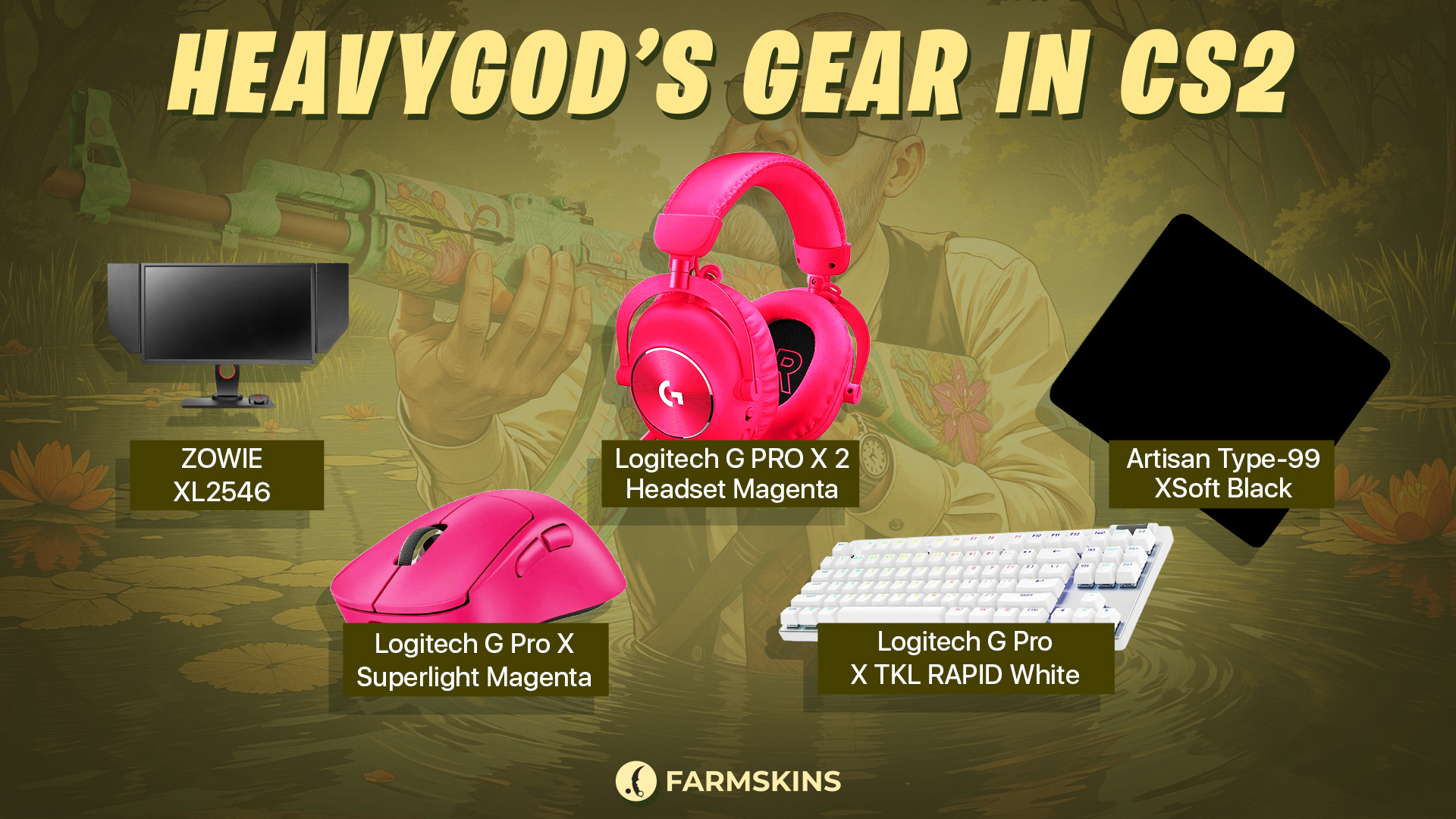
Gear is a vital part of consistent high-level play. HeavyGod uses top-tier equipment suitable for elite competition:
-
Monitor: ZOWIE XL2546
-
Mouse: Logitech G Pro X Superlight Magenta
-
Keyboard: Logitech G Pro X TKL RAPID White
-
Headset: Logitech G PRO X 2 Headset Magenta
-
Mousepad: Artisan Type-99 XSoft Black
HeavyGod’s skins in CS2
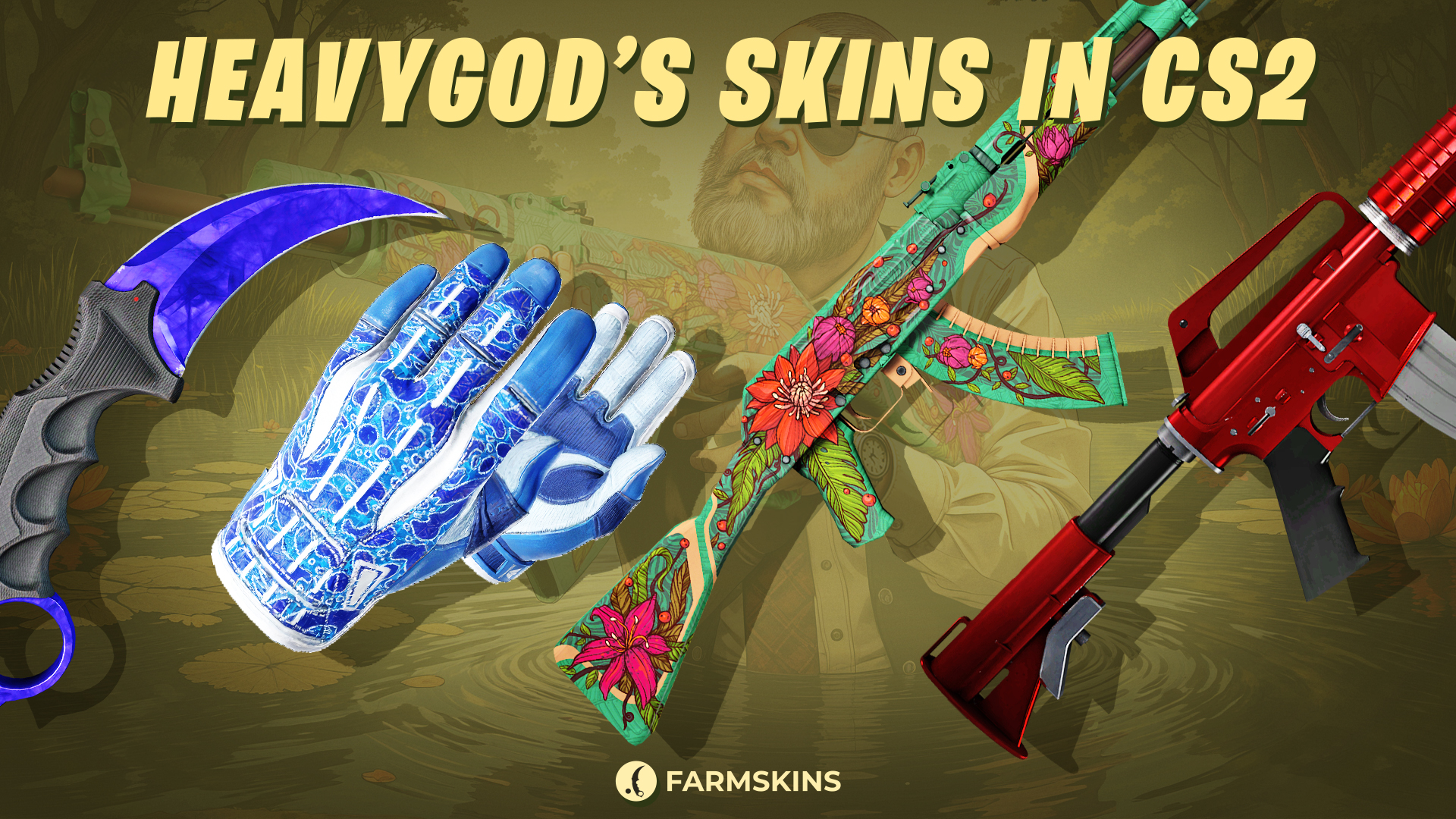
HeavyGod’s inventory is clean, practical, and focused. He prefers dark and futuristic designs without unnecessary flashiness.
-
Karambit | Doppler Sapphire (Factory New)
A rare knife with a pure blue blade resembling a precious sapphire.
Average Price: $10,000
Case: Luxury Knife,Tale,X-Speed,Farm Luxury -
Sport Gloves | Amphibious (Field-Tested)
Stylish sports gloves with a blue and aqua color scheme, a perfect match for marine or icy skin themes.
Average Price: $933
Case: Gungnir,Gloves,Clutch Case,Revolution -
AK-47 | Wild Lotus (Field-Tested)
An exclusive skin featuring a vibrant floral pattern in an oriental style over a green base.
Average Price: $13,300
Case: Gungnir,Exclusive, Covert,AK-47,AK-47 Legacy,Legendary,Lotus -
M4A1-S | Hot Rod (Factory New)
A minimalist skin with a smooth, bright red metallic finish.
Average Price: $2,720
Case: Gungnir,Exclusive,Classified,M4A4 & M4A1-S,The Boss
Conclusion
HeavyGod is one of the most promising young players on the G2 Esports roster. His settings, config, and skin loadout reflect his confident and dynamic playstyle. If you’re looking to refresh your setup — whether it's a new crosshair or sensitivity — try out HeavyGod configuration. It might be the key to leveling up your game.


