Farmskins Introduces an Update with Profile Customization Features

Farmskins Introduces an Update with Profile Customization Features
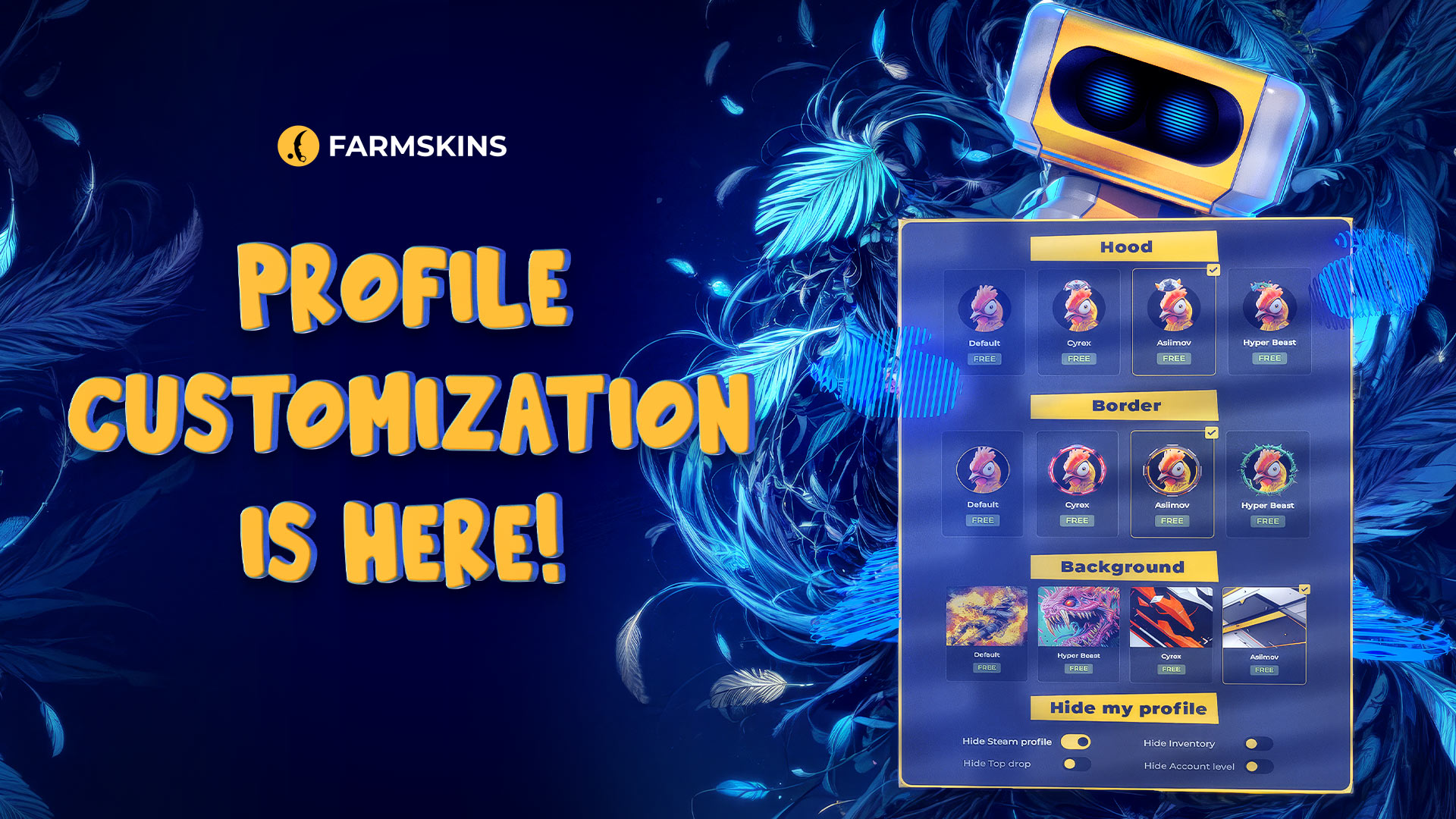
With the latest update, Farmskins implements features that allow users to customize their profiles hence giving it a unique feel. Players no longer have to blend in with others as they can now adjust their avatar and other settings. Alongside cosmetic changes, the update also adds elements of privacy giving users the ability to conceal certain aspects of their profiles.
"1. Farmskins Introduces an Update with Profile Customization Features","1.1. Profile Customization Options","1.2. Privacy Features","1.3. How to Customize Your Profile","1.4. Conclusion"
Profile Customization Options
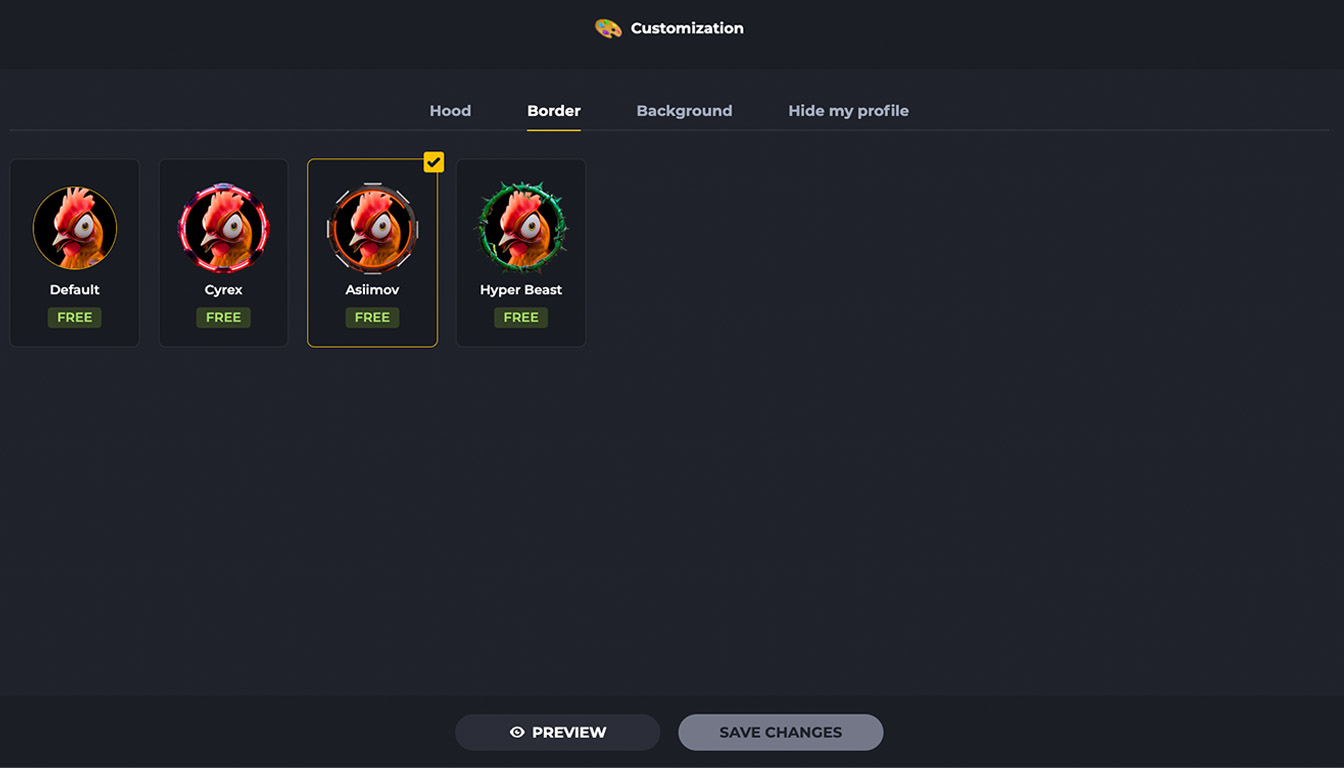
Farmskins users now have three new options for personalizing their profiles:
-
Hoods – Various headwear options are available to add style and individuality to avatars.
-
Borders – A selection of avatar borders helps make profiles more vibrant and expressive.
-
Backgrounds – The profile's innovative touch is achieved by changing the page's background making it unique for its users.
These features give every player the opportunity to express their individuality and stand out on the platform.
Privacy Features
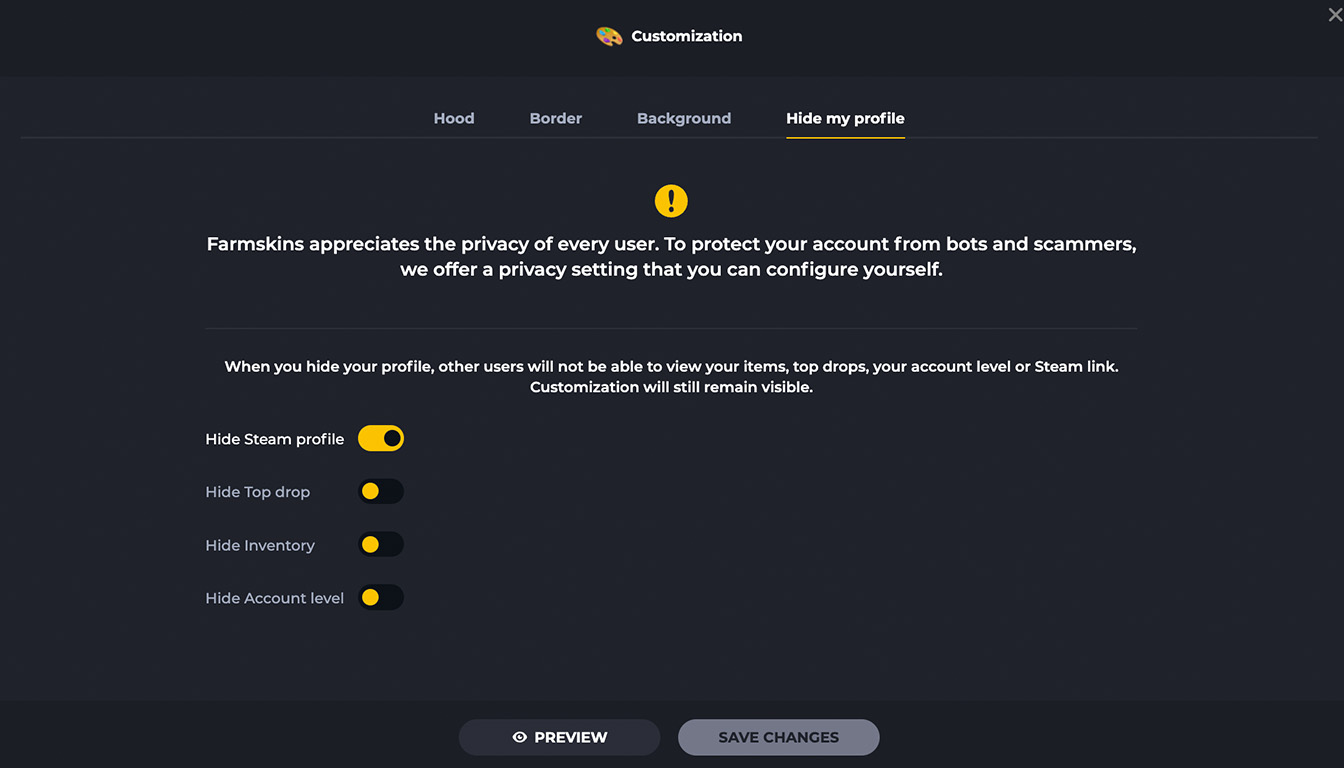
In addition to visual customization, Farmskins has introduced new privacy settings. Users can now hide certain profile details:
-
Inventory – The ability to conceal item lists from others.
-
Top Drops – Option to disable the display of the best item drops on the account.
-
Steam Link – Control the visibility of the linked Steam profile.
-
Account Level – Adjust the visibility of the current account level.
These features give users full control over what information they choose to share with others, reducing the risk of being targeted by scammers. By limiting public access to valuable inventory items and sensitive account details, users can protect themselves from phishing attempts, impersonation scams, and other fraudulent schemes commonly used to deceive players.
You can learn more about types of scams and protection methods in this article – Types of Scams on Steam.
How to Customize Your Profile
To take advantage of the new customization features, follow these steps:
-
Go to your Farmskins profile.
-
Find the "Customize" button in the profile settings section.
-
Choose your preferred options: hood, border, and background.
-
Use the preview function to see how your profile will look before saving.
-
Adjust privacy settings if needed by hiding selected elements.
-
Save your changes and enjoy your refreshed profile!
Conclusion
The new update to Farmskins provides users with a new level of flexibility in profile customization. Players can now change their profile picture while adjusting their privacy controls, giving them better management of their accounts. These features further enhance an individual’s ability to create a unique profile that best represents them while ensuring safety and privacy.
Farmskins allows every user to step outside the norm and enable them to showcase their personality. Users can pick a unique hood, border, or choose a background that best serves their needs. On top of that, the more stringent privacy controls allow the user to control what information can be shared to other parties.
Farmskins understands that each user has different needs and using these new features offers unmatched usability. Start with altering your privacy controls and then work toward finding a balance that best serves you on the platform.
.jpg)
.jpg)
.jpg)


